Attendant set facilities
3BA 19875 ENAA - Ed. 02 - April 2000 - Alcatel 4035 - Attendant set 2-3
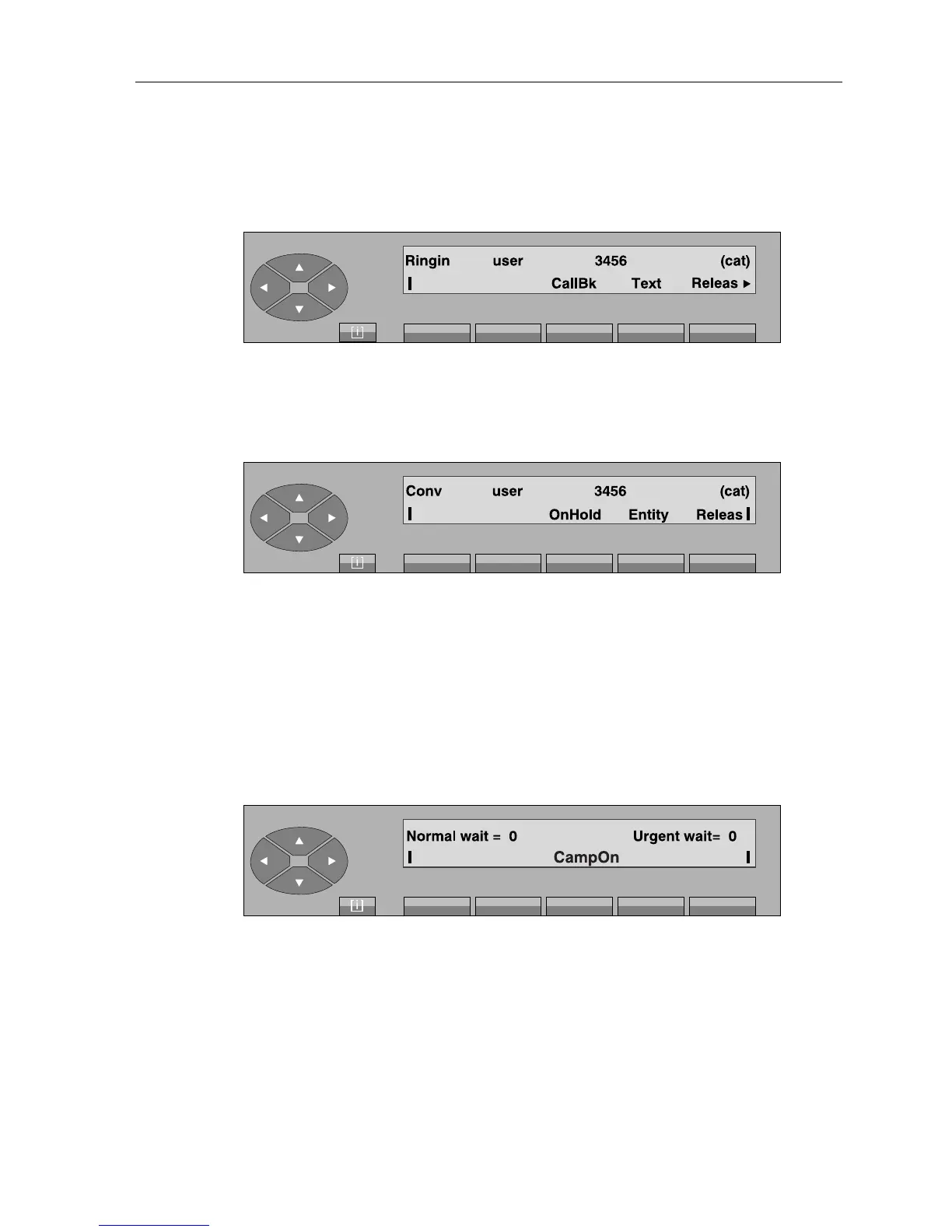
Calling the user set will be activated by pressing the «Ring» key. The following is displayed:
Call screen
The user answers the call and the screen shows:
Conversation screen
From this status, the attendant controls the conversation and can release the communication by
pressing the «Releas» key.
▼ Put on hold
By pressing the «OnHold» key, the user set is put on hold with the please wait music or tone
and the screen changes to:
If the attendant does not retrieve the call before the end of the timer, the ringing is activated to
indicate that the call is in recall on the attendant set with urgent waiting call counter increment.



 To Next Page