Chapter 2 Attendant set facilities
2-4 3BA 19875 ENAA - Ed. 02 - April 2000 - Alcatel 4035 - Attendant set
Namely:
If no other call is presented to the attendant set, pressing the «Next» key is also used to retrieve
the call on hold.
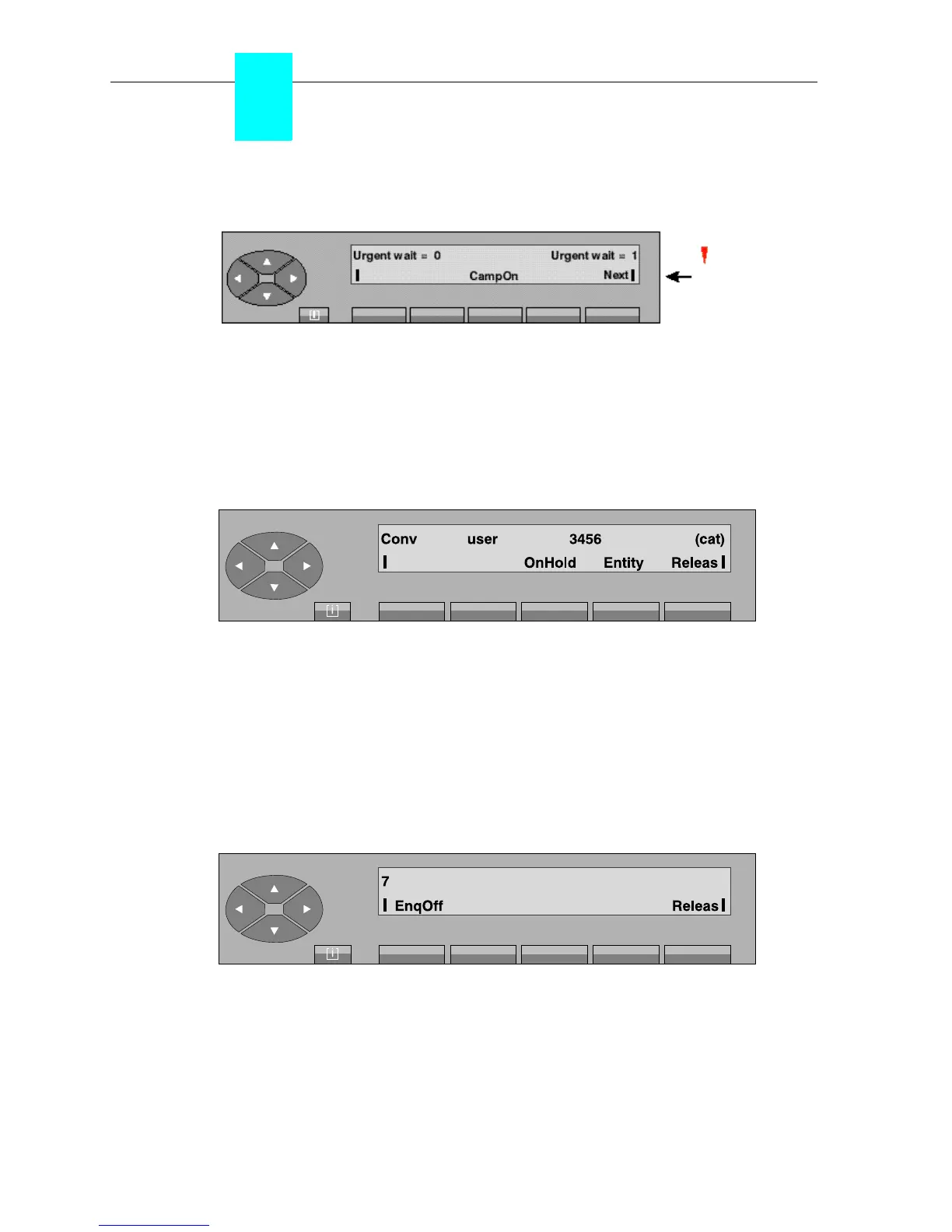
Otherwise, and if this call has priority on hold, pressing the «Campon» fixed key is used to
retrieve the call from hold and the «Next» key the additional call.
The attendant retrieves the call on hold by pressing the «Campon» fixed key and the screen shows:
Conversation screen
From this screen, the attendant can activate an enquiry call to another set or release the
communication in progress by pressing the «Releas» key.
▼ Enquiry call to a free set and cancellation
The enquiry call is activated from the conversation screen. The attendant dials on the keypad the
first digit (7) of the set directory number to be called (for example, 7890):
Numbering screen in enquiry call
Pressing the «EnqOff» key is used to cancel the enquiry call and return to the conversation screen.
The «Camp On»
and «Next»
labels flash.
Red led
and «Next»



 To Next Page