Chapter 2 Attendant set facilities
2-8 3BA 19875 ENAA - Ed. 02 - April 2000 - Alcatel 4035 - Attendant set
The recipient of the message is informed of its presence by the «message» LED which flashes.
Consultation is not shown on the attendant set.
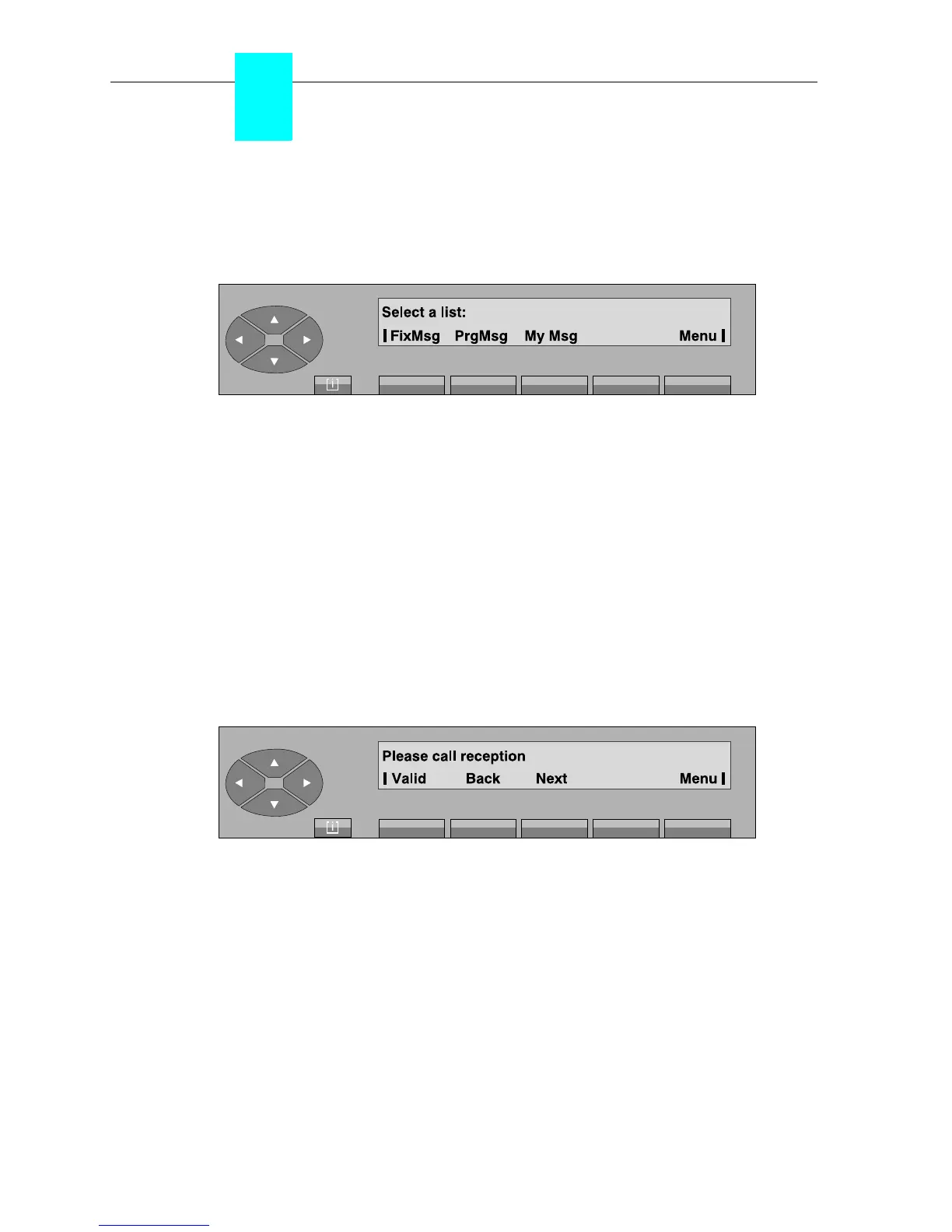
Pressing the «Text» key in the «selection screen» displays the following screen:
Message departure screen
FixMsg to send a pre-programmed and complete message.
PrgMsg to send a pre-programmed message to be completed by the attendant (date
or time, for example).
My Msg to send a message drafted completely by the attendant.
Menu to return to the selection screen.
• Complete message
The attendant views the first of 8 pre-recorded messages by pressing the «FixMsg» key.
Example:
Valid To confirm the choice and send the message displayed to the selected set.
Next to display the following message.
Back to return to the message departure screen.
Menu to return to the selection screen.
Pressing the «Valid» key displays «The message has been sent». Pressing the «Menu»
key returns the attendant set to the selection screen.



 To Next Page