Attendant set facilities
3BA 19875 ENAA - Ed. 02 - April 2000 - Alcatel 4035 - Attendant set 2-9
• Message to complete
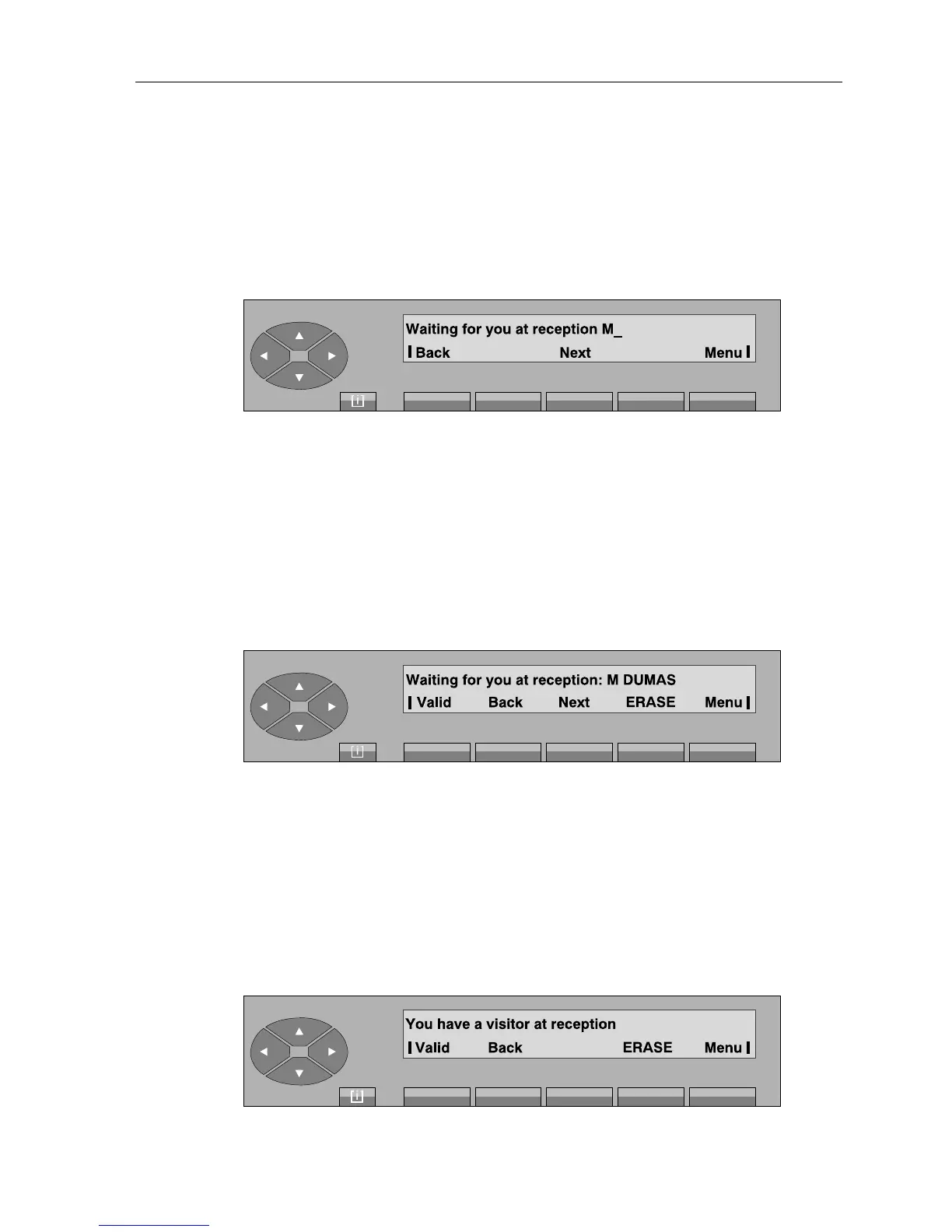
The attendant views the first of 8 messages to complete by pressing the «PrgMsg» key.
Example:
If the message is not appropriate, the attendant can select:
Return to return to the message departure screen.
Next to display the next message.
Menu to return to the selection screen.
The attendant has chosen to complete the message.
Example:
As soon as the message is complete («Sending»), the attendant presses the «Valid» key to confirm.
ERASE to correct the value entered.
• Message to create
The attendant can draft his own message (127 characters maximum) by pressing the «My Msg»
key.
When he has finished drafting the message, the display shows, for example:



 To Next Page