Chapter 2 Attendant set facilities
2-10 3BA 19875 ENAA - Ed. 02 - April 2000 - Alcatel 4035 - Attendant set
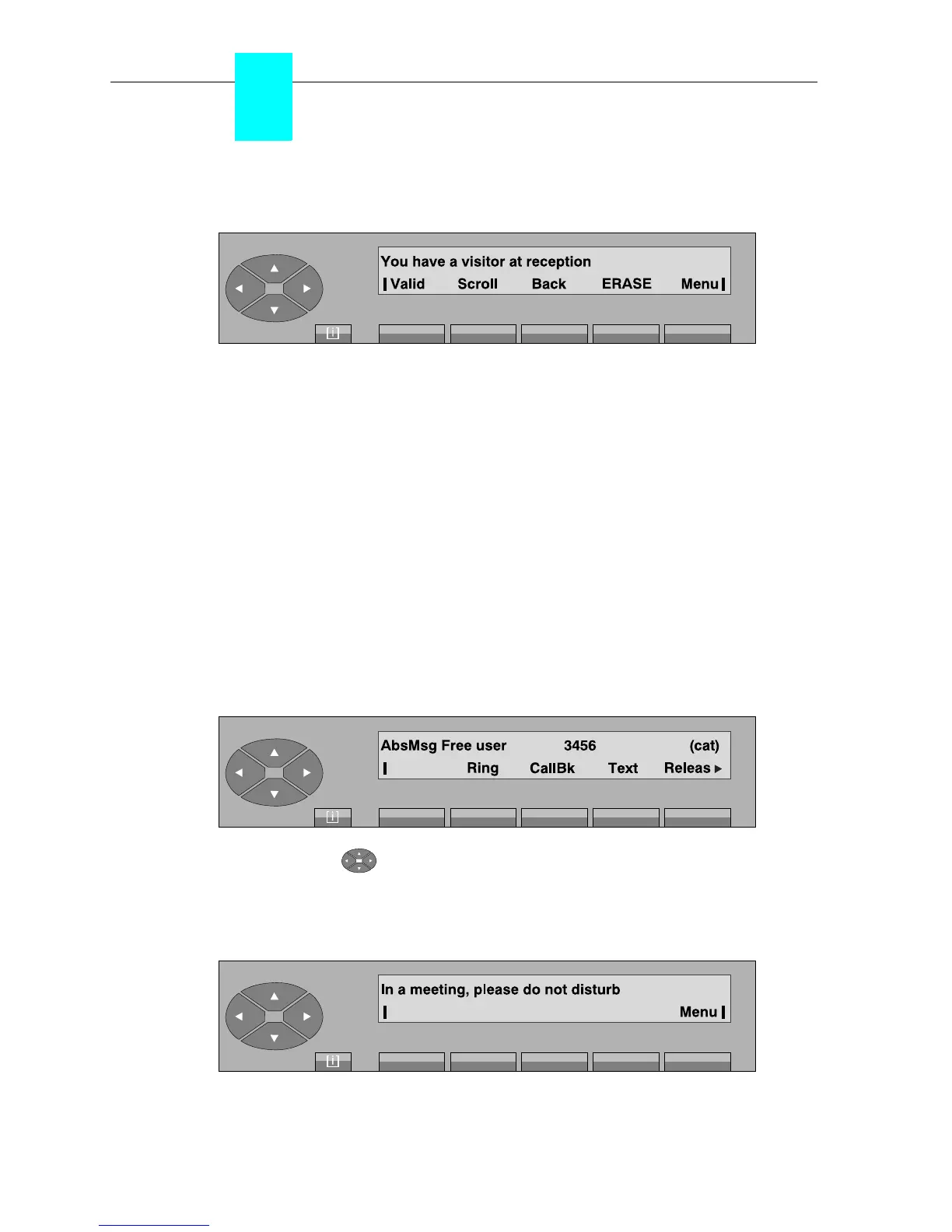
If the length of the message exceeds 40 characters, the screen becomes:
Valid To confirm and send the message displayed.
Back to return to the message departure screen.
Scroll to view the complete text of the message.
ERASE to correct the value entered.
Menu to return to the selection screen.
Note: The pre-defined message texts can be modified by system management, which can also be used to
create new texts.
▼ Apology message
When a user can leave an apology message in the event of no reply, the attendant can read the
message as soon as this user has been selected.
Example:
After pressing the « » key, the «AbsMsg» label is displayed.
The attendant presses the «AbsMsg» key to view the message recorded.
Example:
Menu used to return to the selection screen.



 To Next Page