Attendant set facilities
3BA 19875 ENAA - Ed. 02 - April 2000 - Alcatel 4035 - Attendant set 2-15
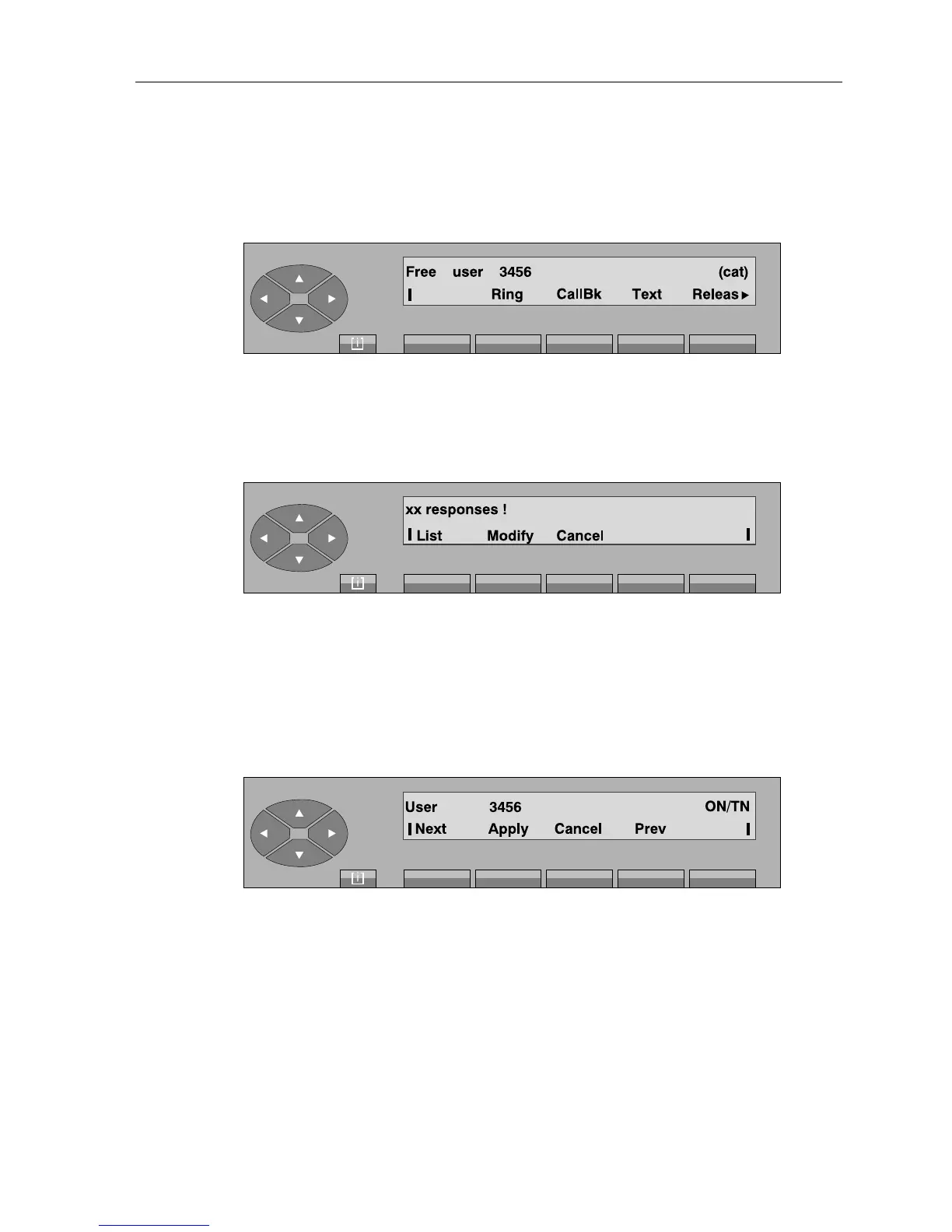
If the display shows the user being searched for, pressing the «Apply» key activates the user
numbering phase. The following is displayed:
From this screen, the procedure is the same as for the call of a free internal user.
Note:
- If the list has more than 24 names, the screen shows:
xx number between 25 and 48. Beyond this, the following message is displayed:«You
have more than 48 responses!».
Modify to modify the request and correct the value entered.
Cancel to start the procedure over again.
By pressing the «List» key, the screen displays the first of the xx names from the list (48 names max.) meeting
the criteria entered:
From this screen, the procedure is the same as described above. Pressing the «Cancel» key returns to the
idle screen.



 To Next Page