Attendant set facilities
3BA 19875 ENAA - Ed. 02 - April 2000 - Alcatel 4035 - Attendant set 2-27
After the selection, the following is displayed:
From this status, the attendant can proceed with:
- routing without presentation
- routing with presentation.
2-1-5-1 Routing without presentation
By pressing the «Transf» key, the attendant exits conversation and returns the attendant set to
idle position.
The internal user is in call mode and the correspondent camps-on wait on the internal user.
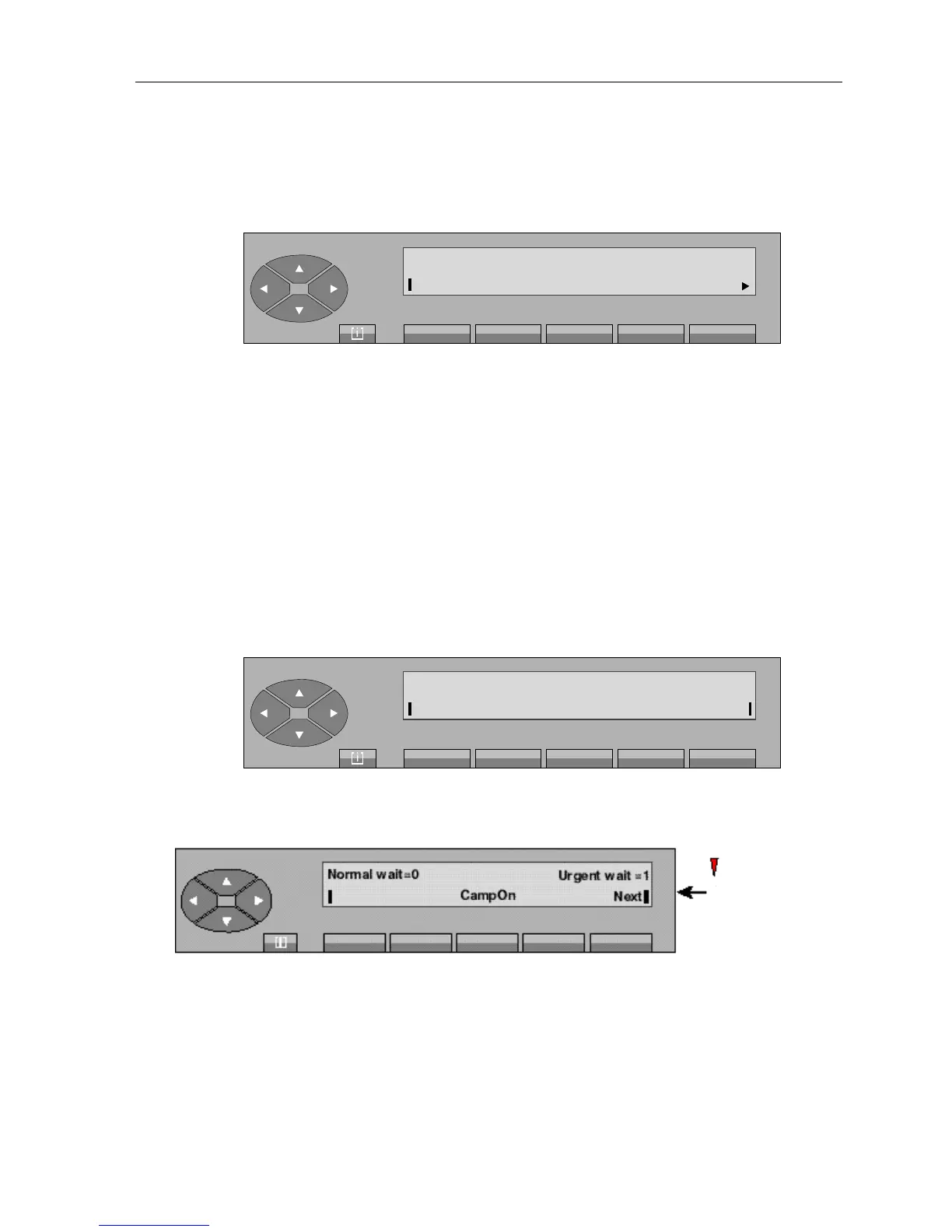
As long as the internal user has not answered, the «CampOn» label is displayed to indicate a
circuit being routed:
If the internal user does not answer before the end of the routing timer, the screen shows:
Note: If no other additional call is presented to the attendant set, pressing the «Next» key can also be used
to retrieve the waiting call.
On the other hand, if an additional call is presented to the attendant set and if its call priority is higher than
the waiting call, pressing the «CampOn» key can be used to retrieve the waiting call and the «Next» key,
the additional call.
Repertory
Free
CallBkRing
Transf
EnqOff
User
Releas
Normal wait = 0
CampOn
Urgent wait = 0
The «
Camp On
»
and «
Next
»
labels flash.
Red led



 To Next Page