Chapter 3 Management from the attendant set
3-30 3BA 19875 ENAA - Ed. 02 - April 2000 - Alcatel 4035 - Attendant set
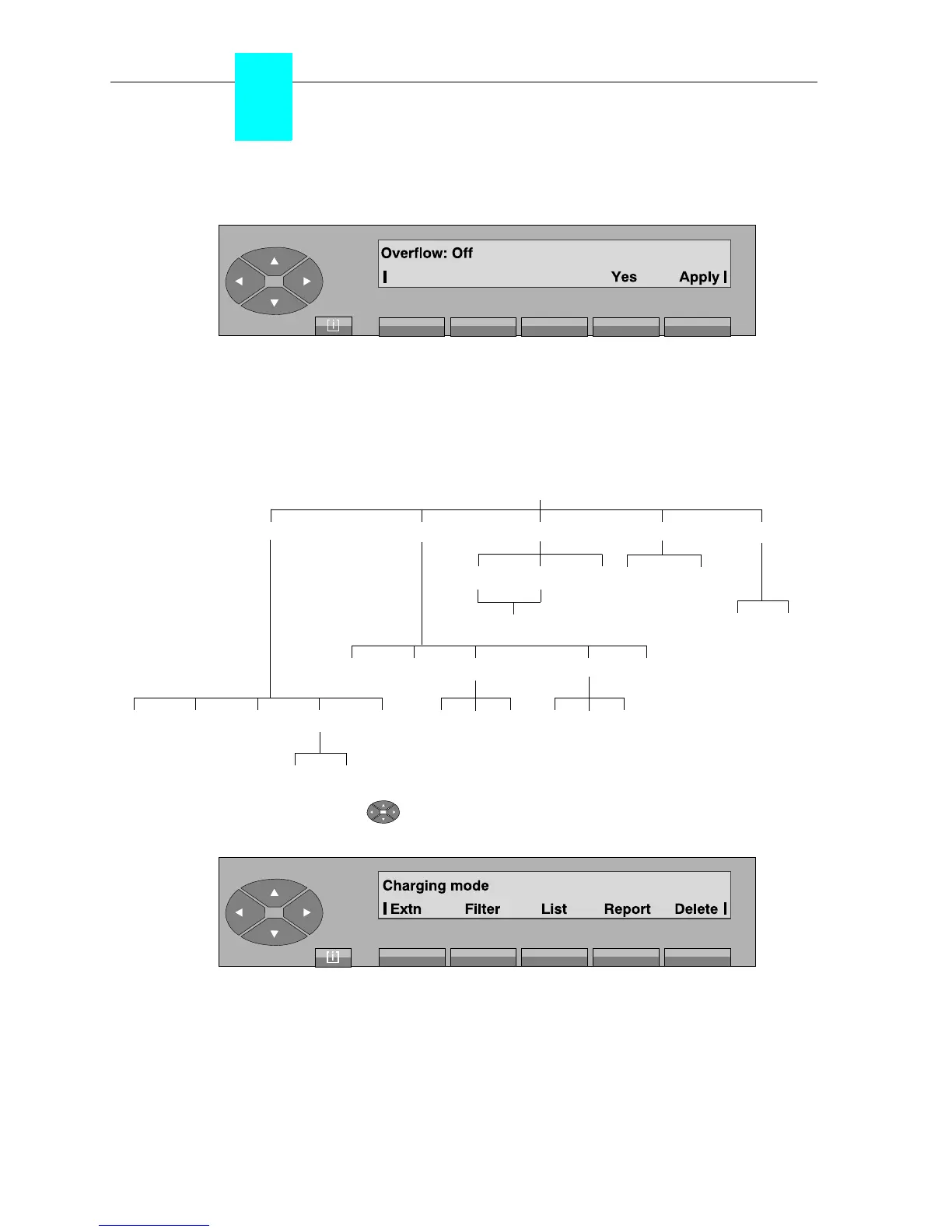
After pressing the «No» key, the following is displayed:
After pressing the «Apply» key, the idle screen is displayed.
3-2-2-7 Charging
•Diagram
Pressing the top of the « » key, then on the key below the «Charge» label, provides access
to the following submenus:
Extn displays the content of a individual counter.
Filter defines the filter criteria for communication surveillance.
List used to add or withdraw the sets in the list of filtered users.
Report used to modify the observation period of the financial report.
Delete deletes all charging counters after validation.
Charge
Delete
Filter List Report
Modify Back
List All >Cost
Add Delete Back
>Time Back
Charge Last$ CallNb Reset Back
Back Apply Back
Apply Back
Modify BackApply
Modify BackApply
Extn



 To Next Page