Management from the attendant set
3BA 19875 ENAA - Ed. 02 - April 2000 - Alcatel 4035 - Attendant set 3-29
Back return to the previous menu.
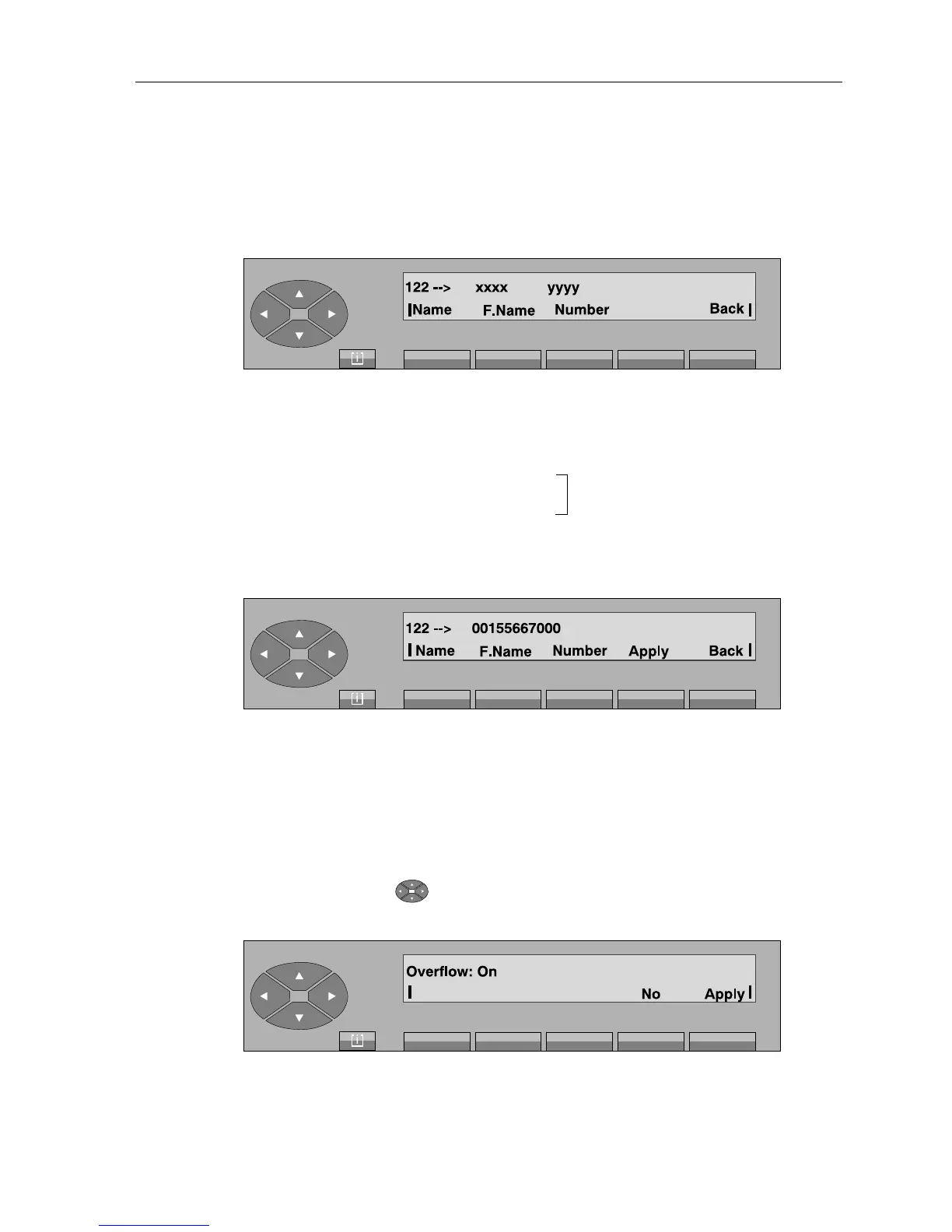
After pressing the «Modify» key, the following is displayed:
The first line displays:
xxxx and yyyy name and number if already programmed.
The second line gives the following keys:
Name used to enter the name
not mandatory.
F.Name used to enter the first name
Number used to enter the external number (seize prefix included).
When the external number at least is entered, the following, for example, is displayed:
Press the «Apply» key for the content of the number to be taken into account. «Programming
accepted» is displayed.
If a name has not been programmed, the external number is also used as name in the display
of the number content.
3-2-2-6 Mutual assistance between attendants
Pressing the top of the « » key, then on the key below the «Overfl» label, the following is
displayed, for example:
No de-activates mutual assistance.
Apply confirms the attendant’s choice.



 To Next Page