Your Phone's Home Screen 25
Customize the Home Screen
Learn how to set the wallpaper.
Change the Wallpaper
Select and assign your phone’s background wallpaper.
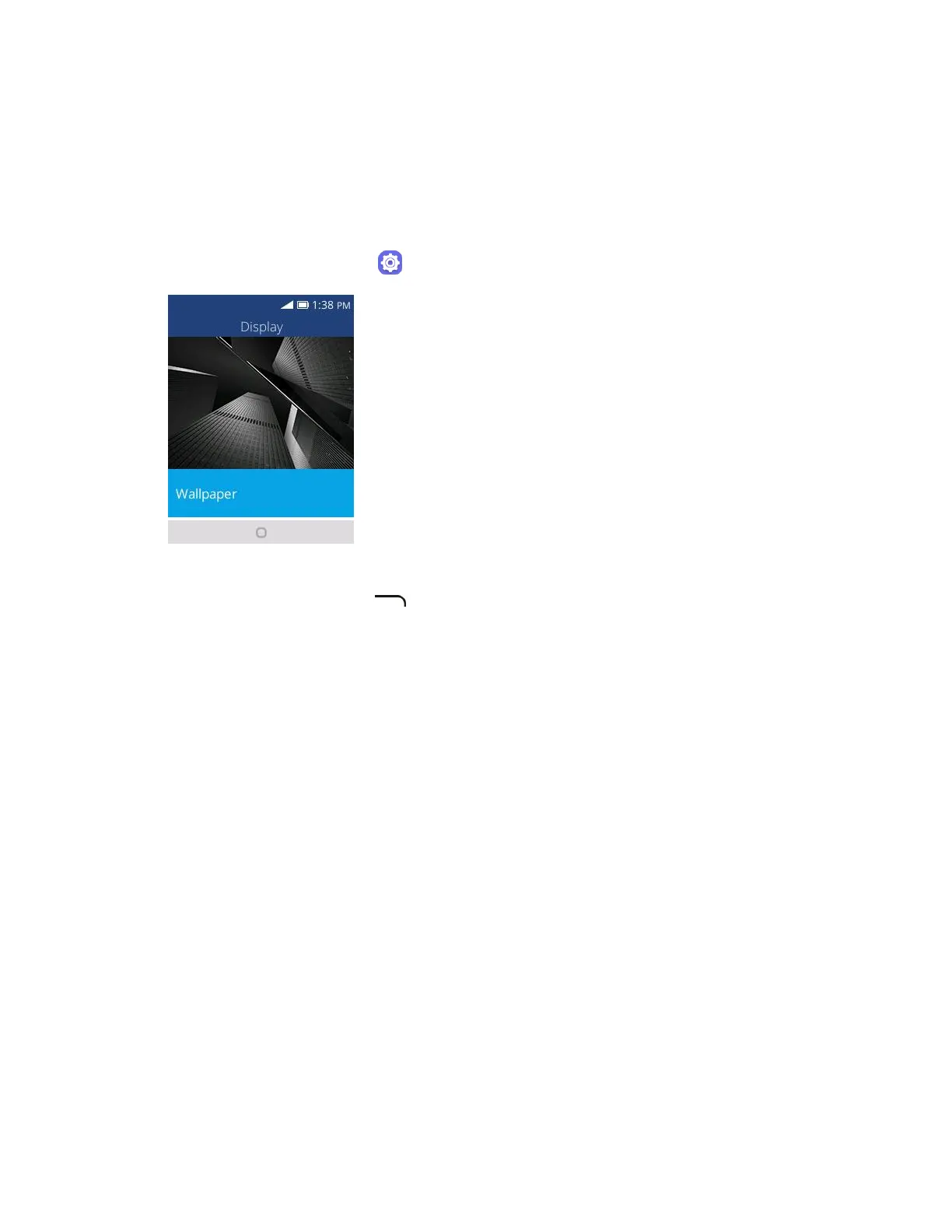
1. From app list, press Settings > Personalization > Display > Wallpaper.
2. Press Wallpaper and press Navigation key to select from Gallery, Wallpaper, or Camera.
3. Select a wallpaper and press to set wallpaper.
The wallpaper is set.







 To Next Page