Productivity 76
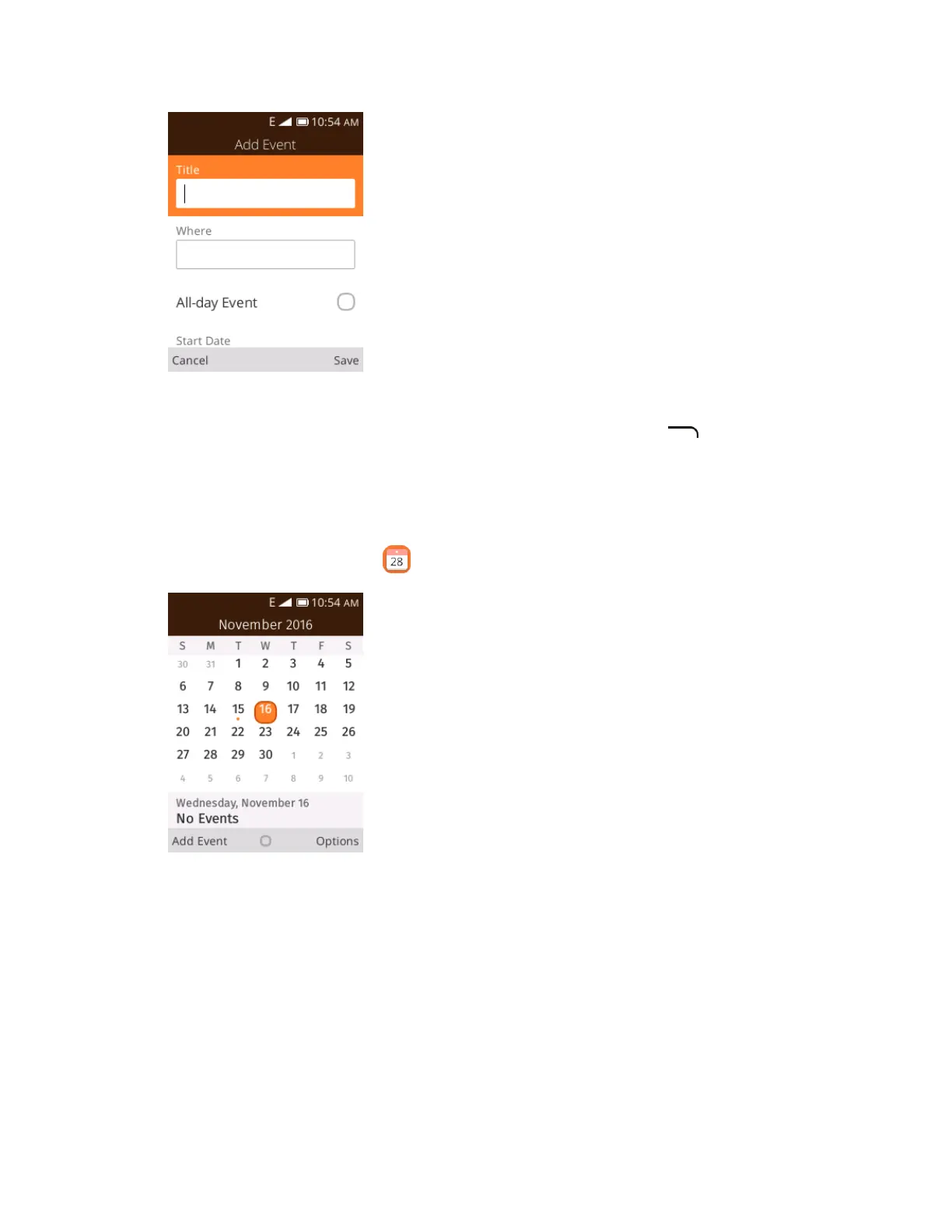
The add event window opens.
3. Enter an event title, start date/time, end date/time, etc., and then press to save.
The event is added to your calendar.
View Calendar Events
You can display the Calendar in daily, weekly or monthly view.
1. From app list, press Calendar .
The Calendar app opens.













 To Next Page