Phone Calls and Voicemail 31
In-Call Screen Layout and Operations
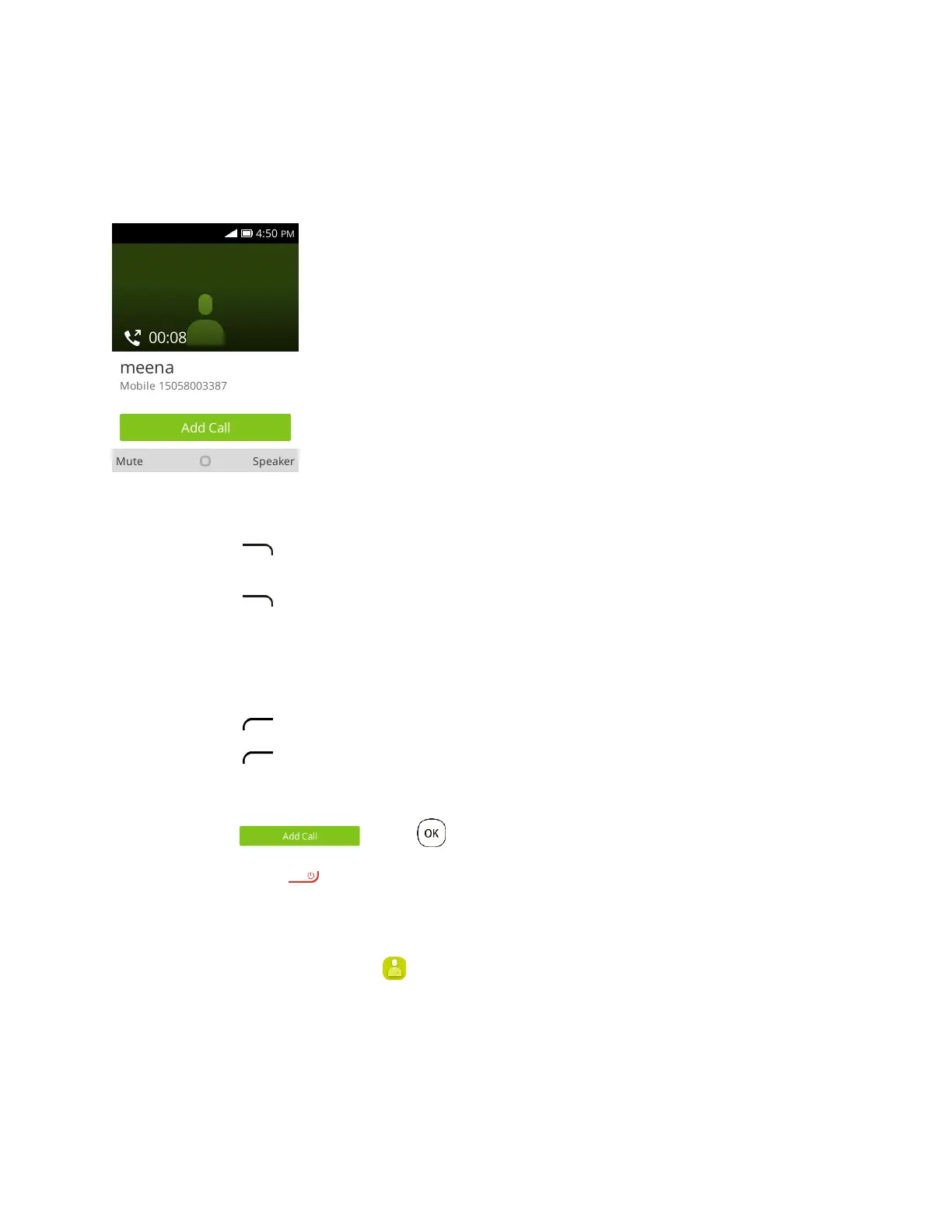
While you’re on a call, you will see a number of onscreen options.
In-Call Screen Layout
● Speaker : Route the phone’s audio through the speaker (On) or through the earpiece (Off).
Press to activate Speaker to route the phone’s audio through the speaker. (You can
adjust the speaker volume using the Volume key.)
Press again to deactivate Speaker to use the phone’s earpiece.
Warning: Because of higher volume levels, do not place the phone near your ear during speakerphone
use.
● Mute : Mute the microphone during an active call.
Press to mute the microphone.
Press to unmute the microphone.
Note: If Mute is activated, the speaker mode is deactivated.
● Add Call : Press to initiate a conference call (3-way call).
● End call : Press to end the current call.
Place a Call from Contacts
You can place phone calls directly from entries in your Contacts list.
1. From app list, press Contacts to display the contacts app.













 To Next Page