Alcatel IP1020 Administrator Guide ed1.0 15/58
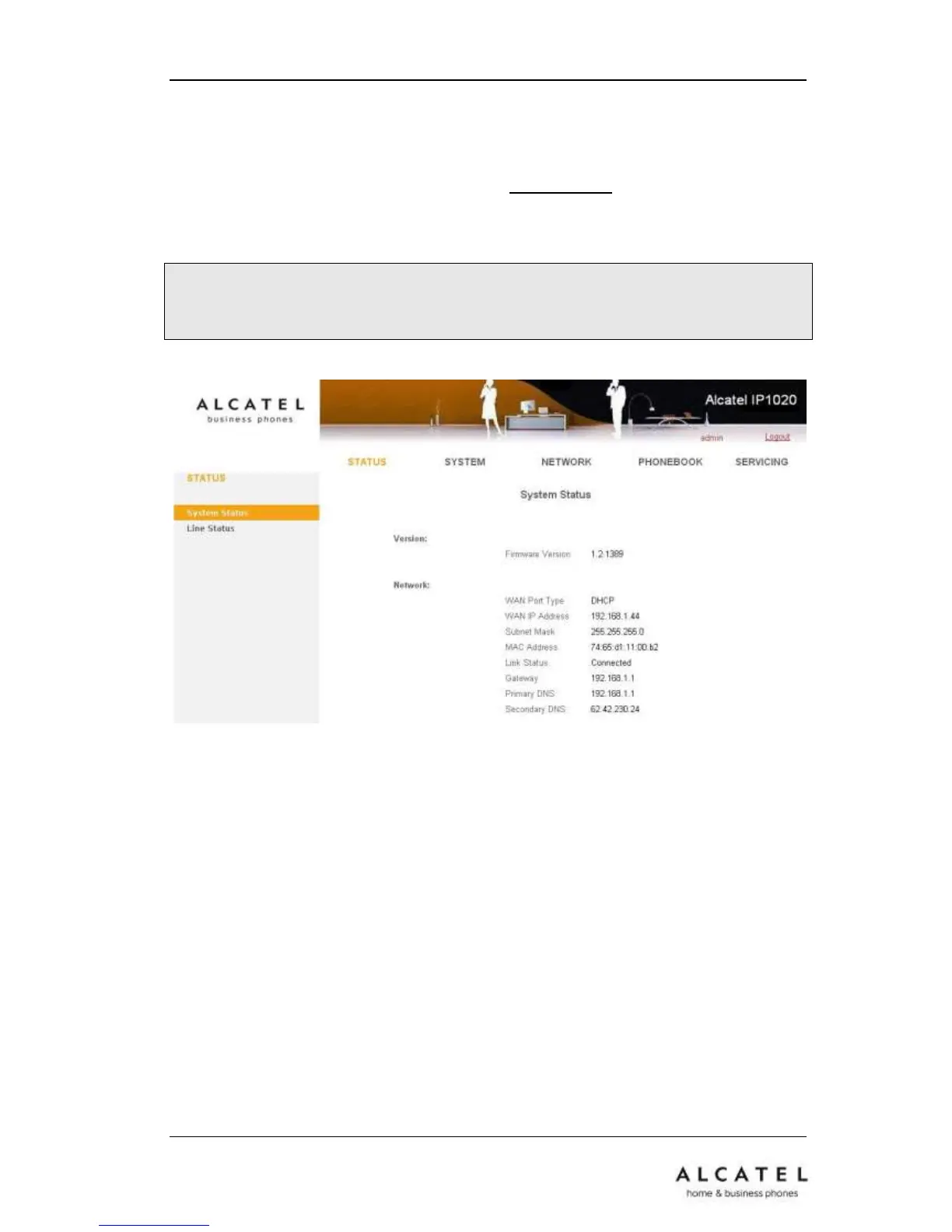
Press OK button on the keypad of the handset to enter the Menu. Then go to
StatusNetwork Status to find out your IP1020P IP address. Enter it (for example
http://192.168.1.100) into the address bar of your web browser. The default
administrator’s login name and password are admin/0000.
You can also use a network sniffer to find out your system’s IP address.
Note: Please locate your PC in the same network segment of your Alcatel IP1020P
(192.168.1.X as per the example above) to be able to access the web configuration
page. Please consult your system administrator for help.
In many instances, it is possible to use both the user interface to operate the phone and
change settings; some, however, are only possible via a phone or web user interface.
There are two levels to access WUI: admin and userx, where x=1 to 6. In both cases
default password is “0000”.
A user is associated with a certain handset, so user1 corresponds to handset1, and so
on. Users have limited rights in terms of configuration.











 To Next Page