Alcatel IP1020 Administrator Guide ed1.0 46/58
4.3.3 Accessing Accepted and Dialed Calls list
Similarly, to access Accepted Calls or Outgoing Calls lists, you can press left sofktey
Call List from idle mode, or go to MenuCall Lists, and then select the corresponding
list.
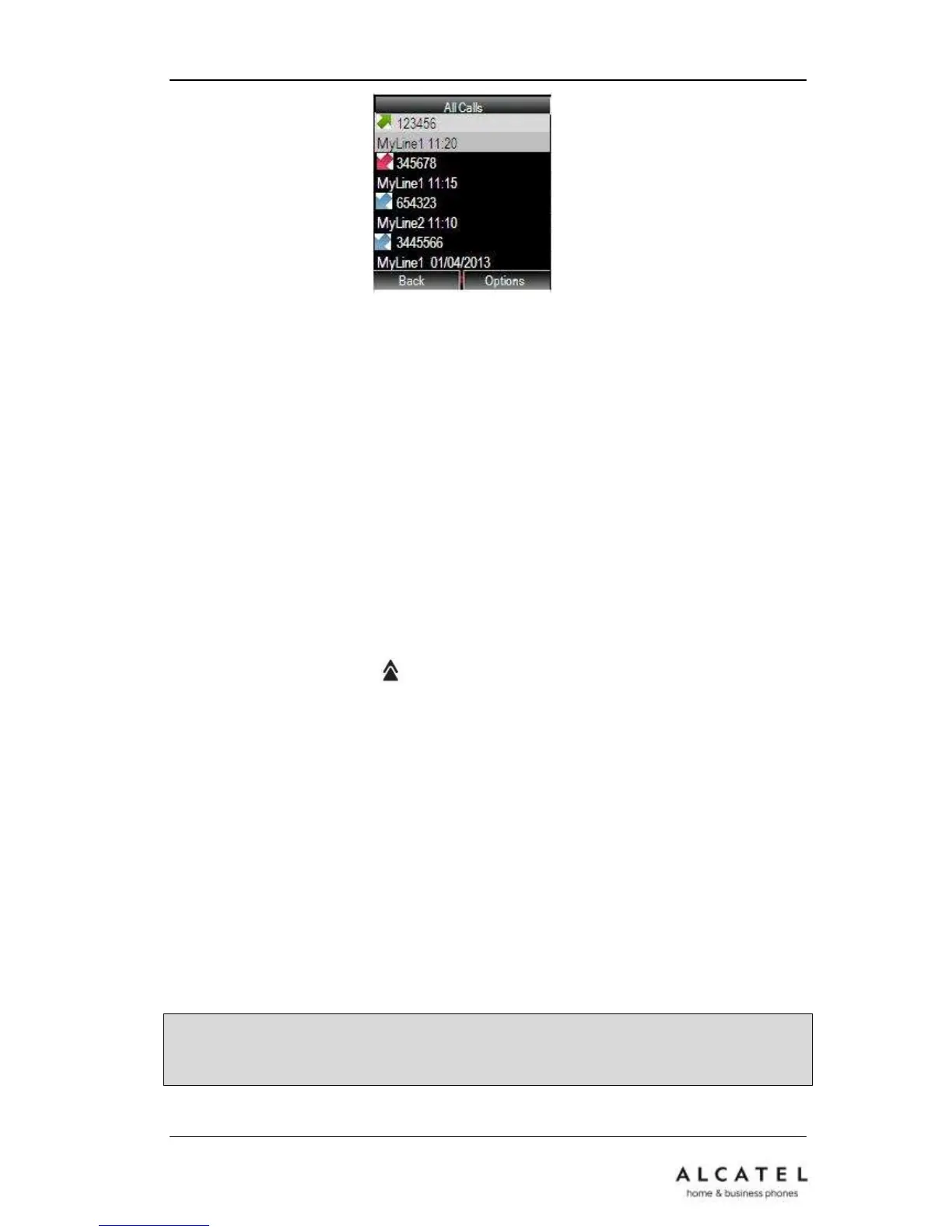
The list of calls stored in the system will be displayed, with the most recent call on top,
and all of them marked with the corresponding icon depending on selected list.
Source and destination numbers as well as time/date are displayed for each call.
4.3.4 Redial List
Redial List is local to each handset.
To access Redial List, press key (Up navigation key)
4.3.5 Call list entries management
When you are in any of the call lists mentioned in this chapter, you can:
Dial highlighted entry by pressing Off hook key, or
if you press Option softkey you can also
Store this number in the Private/Shared Phonebooks or Black List (See Contact
Management chapter), or
View call details, or
Delete this entry or all entries.
Note: if you dial out a highlighted call list entry by pressing Off hook key, default line
will be used. If you wish to choose a different line, please use the long press procedure
explained earlier in this chapter.











 To Next Page