50
machine, by calling the answering machine when you are away from home by
entering a 2-digit remote access PIN on a tone-dialing phone.
To change the remote code:
1. Press MENU on the handset in idle mode.
2. Use
or to select Answering sys, then press SELECT.
3. Use
or to select Ans sys setup, then press SELECT.
4. Press
or to select Remote code, then press SELECT to enter a
2-digit number from 00-99.
5. Press SET to save. You hear a confirmation tone.
To remotely access your answering machine remotely:
You can ring your phone from another tone-dialing phone to switch on or off the
answering machine and listen to your messages remotely.
1. Place a call from a tone-dialing phone to your phone.
2. When the answering machine answers the calls and starts playing the OGM,
enter 2-digit remote access code (00 is the preset code).
3. You can also enter the remote commands (see Remote commands below).
4. Hang up or press
to end the call and save all undeleted messages.
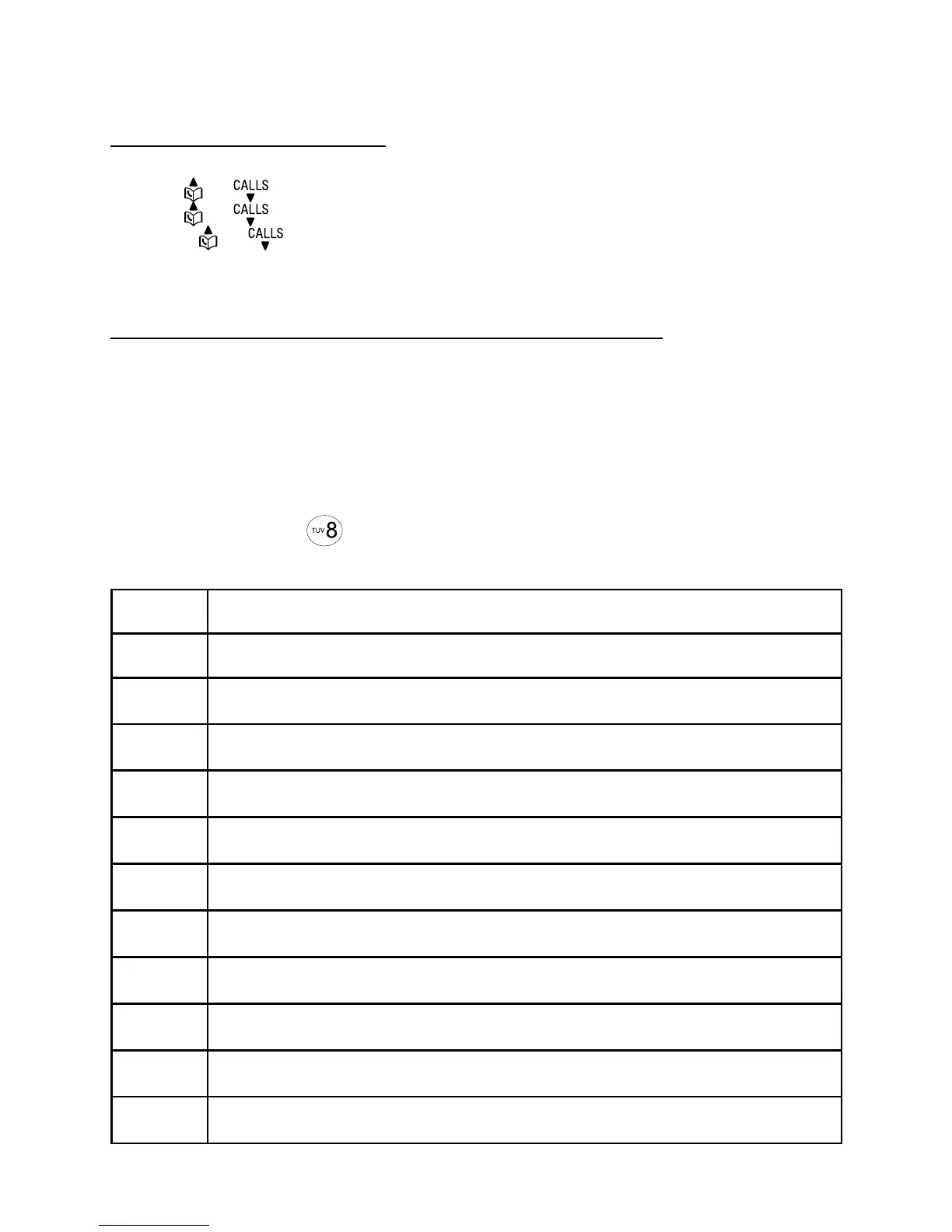
Remote commands
1 Press to listen to all messages.
2 Press to listen to new messages only.
3 Press to delete the current message (during playback).
3 3 Press twice to delete all old messages.
4 Press to repeat the current message (during playback).
4 4 Press twice to listen to the previous message.
5 Press to stop.
* 5 Press to listen to a list of remote commands.
6 Press to skip to the next message (during playback).
* 7 Press to record a new outgoing message.
8 Press to hang up the call.
0 Press to turn the answering machine on or off.



 To Next Page