11
Spanning Tree Settings –
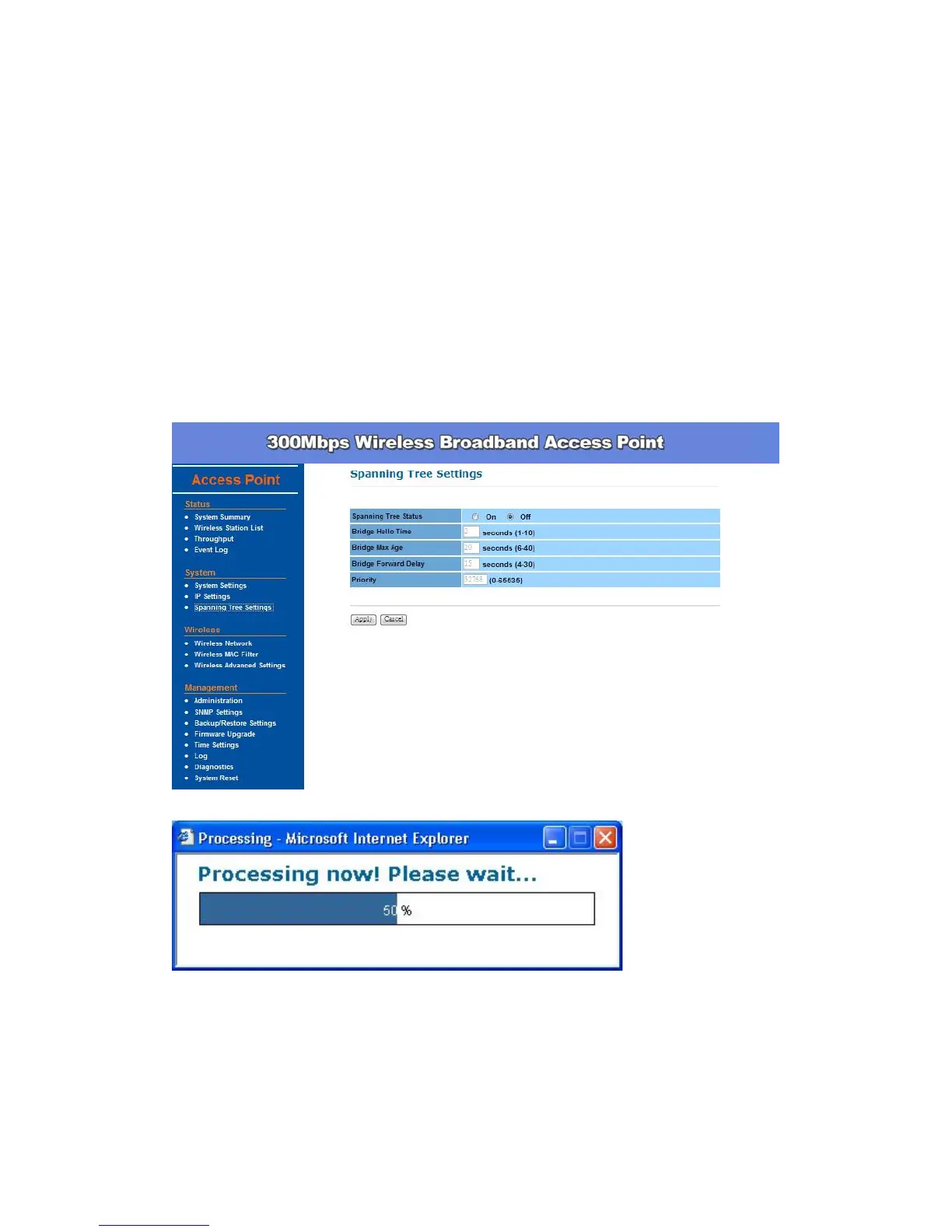
Click Spanning Tree Settings under System Configuration menu,
Spanning-Tree Protocol is a link management protocol that provides path
redundancy while preventing undesirable loops in the network.
Spanning Tree Status: Choose to enable or disable the spanning tree feature.
Bridge Hello Time: Specify the number of seconds for the hello time.
Bridge Max Age: Specify the number of seconds for the max age.
Bridge Forward Delay: Specify the number of seconds for the bridge forward
delay.
Priority: Specify the number of seconds for the priority.
Click Apply to save the changes before leaving this page.



 To Next Page