29
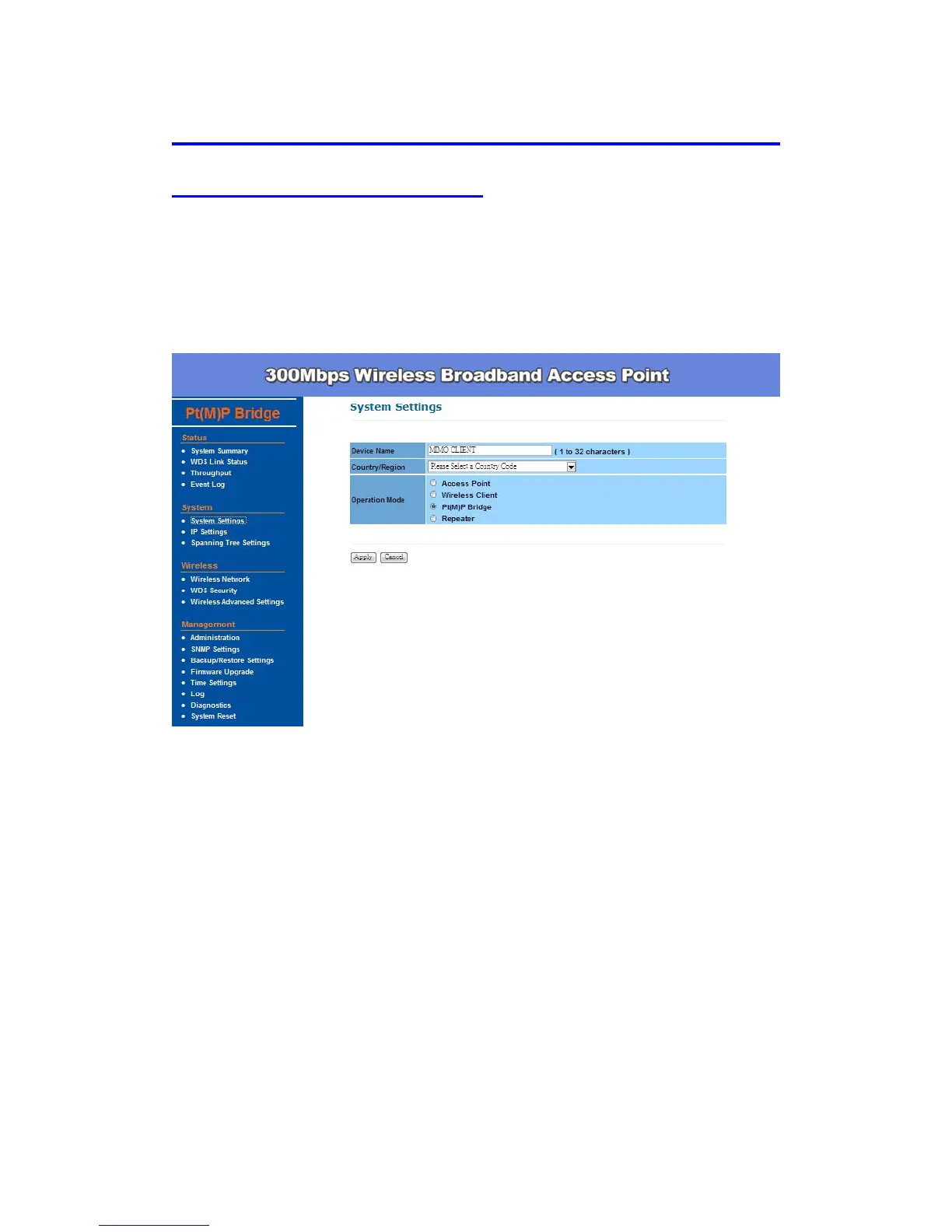
Wireless Configuration – Pt(M)P Bridge Mode (Point to
Point & Point to Multi-Point)
Pt(M)P Bridge is used for wirelessly connect several Access Points, and in
doing so extend a wired infrastructure to locations where cabling is not
possible or inefficient to implement (be sure you understand the purpose of
bridge mode before proceed configuration).
Click Wireless Network under Wireless menu, you can configure:
Wireless Setting –
Wireless Mode – Default setting is 802.11g/n HT20. This will support all
802.11g clients connect to the AP. You can choose 802.11g in wireless
mode column if your environment only has 802.11g clients.
Channel / Frequency –The channels available are based on the country’s
regulation and select the appropriate channel from the list provided to
correspond with your network settings.
WDS Link Setting: Select Enable and enter the MAC address.


 To Next Page