24
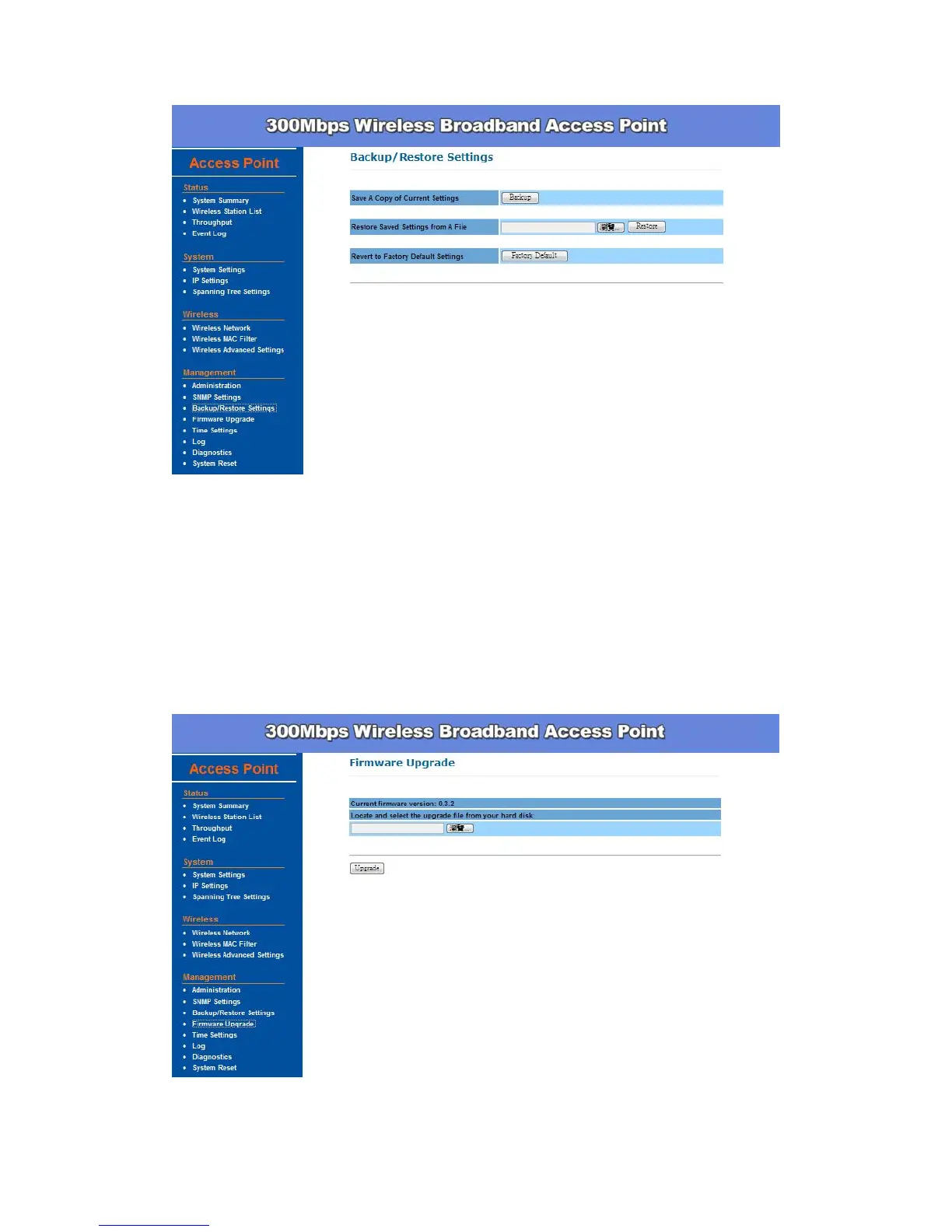
Firmware Upgrade –
Enter the location of the firmware upgrade file in the file path field, or click
Browse to find the firmware upgrade file. Click Upgrade, and follow the
instructions. The whole firmware upgrade process will take around 1 minute.
Before upgrade, make sure you are using correct version. Please check with
your technical support service if new firmware available.


 To Next Page