18
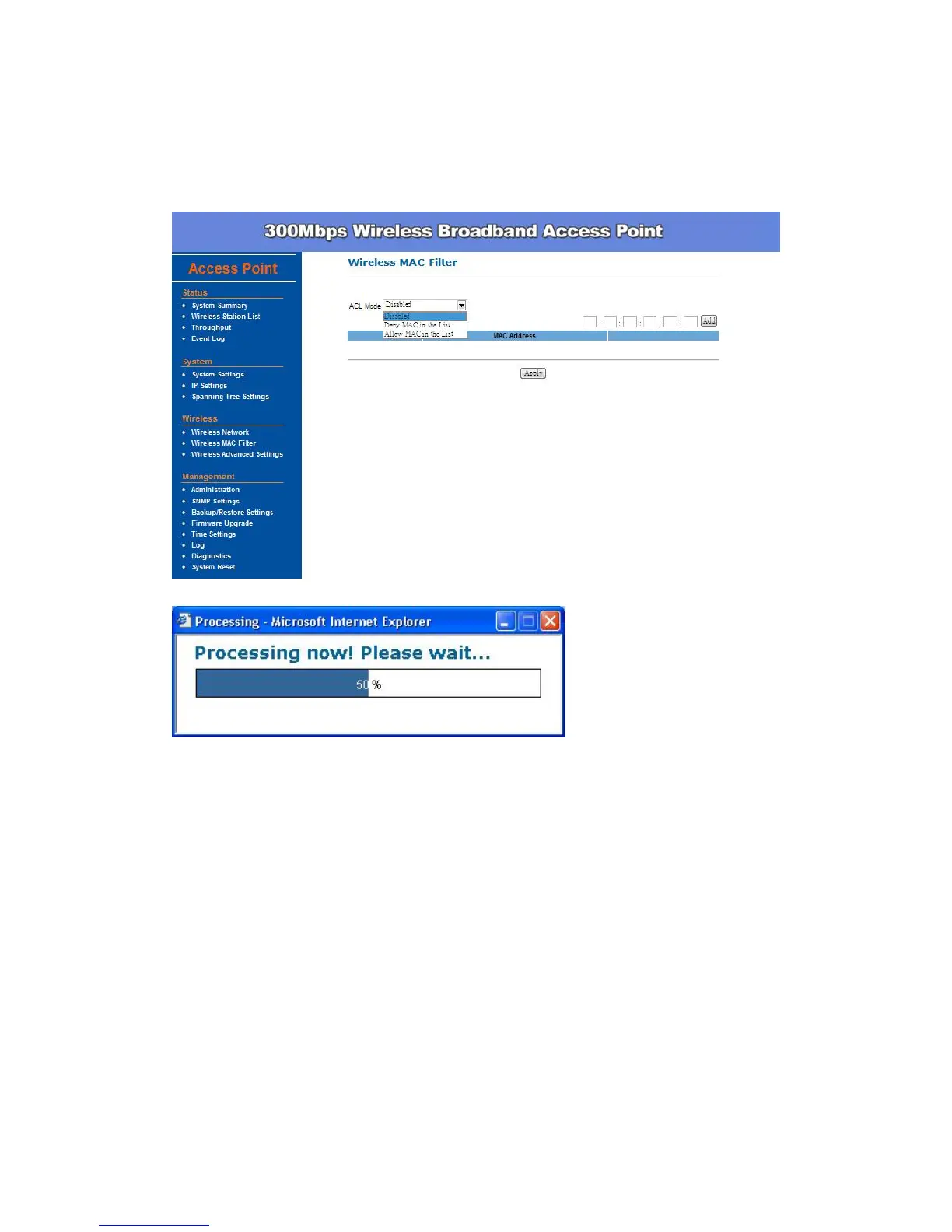
This table lists the blocked or allowed MAC addresses; you may delete
selected MAC address or delete all the addresses from the table by
clicking Delete.
Remember to click Apply to make sure all the changes are saved to system.
Wireless Advanced Settings -
The page below can help users to configure advanced wireless setting. Before
making any changes in this page, please check your wireless settings on other
system as well, as these changes will alter the effectiveness of the Access
Point. In most cases, these settings do not need to be changed.
Data Rate – In data rate column, you can select all bit rate supported in
current operation mode. Default value is Auto which means the system
will automatically adjust the connection speed dynamically according to
your current link status.


 To Next Page