26
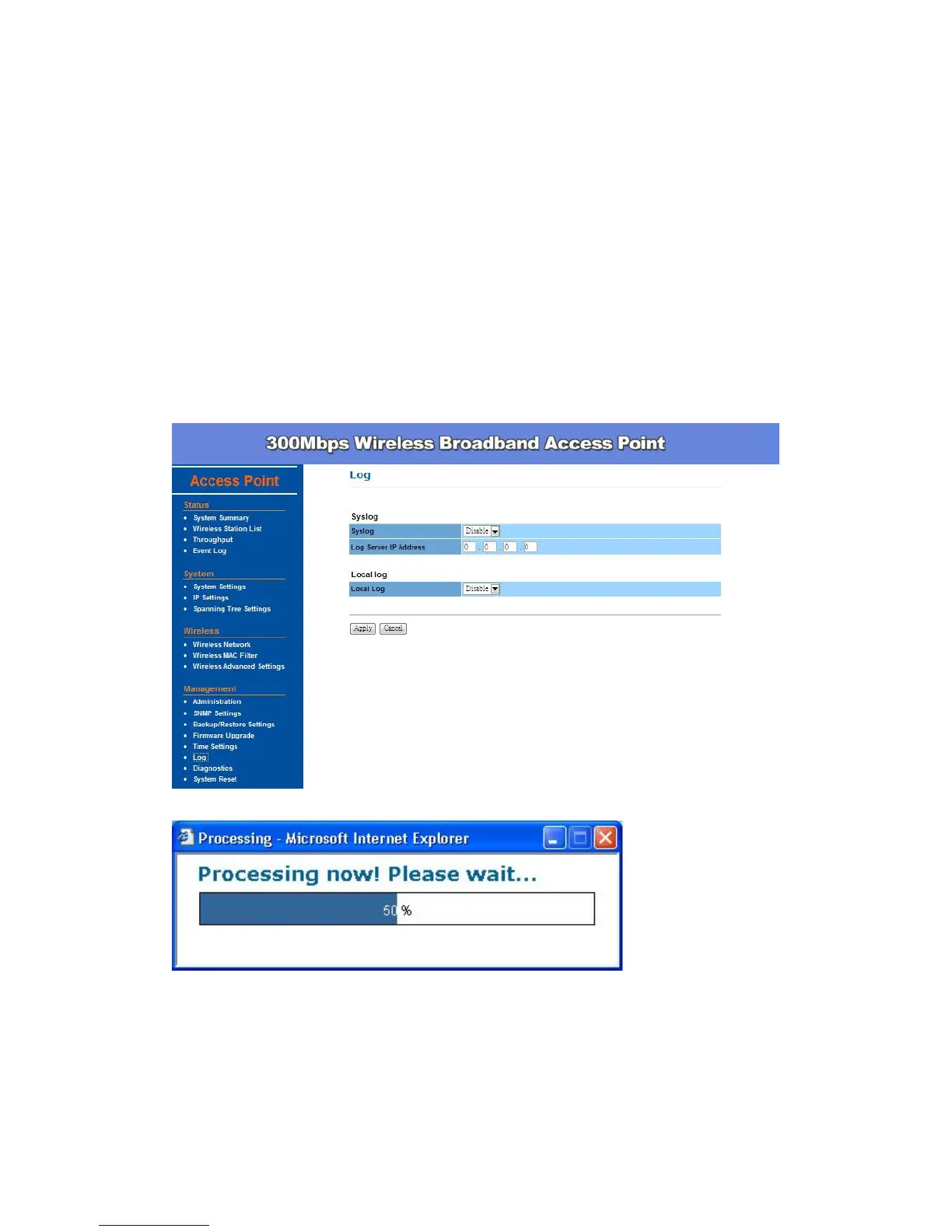
Log Settings –
This page displays a list of events that are triggered on the Ethernet and
Wireless interface. This log can be referred when an unknown error occurs on
the system or when a report needs to be sent to the technical support
department for debugging purposes.
Syslog: Choose to enable or disable the system log.
Log Server IP Address: Specify the IP address of the server that will
receive the system log.
Local Log: Choose to enable or disable the local log.
Click Apply to save the changes.



 To Next Page