42
After Site Survey, you can choose the Access Point you need to extend its
range by clicking BSSID column. Then click Apply to make sure system
working properly with new setting.
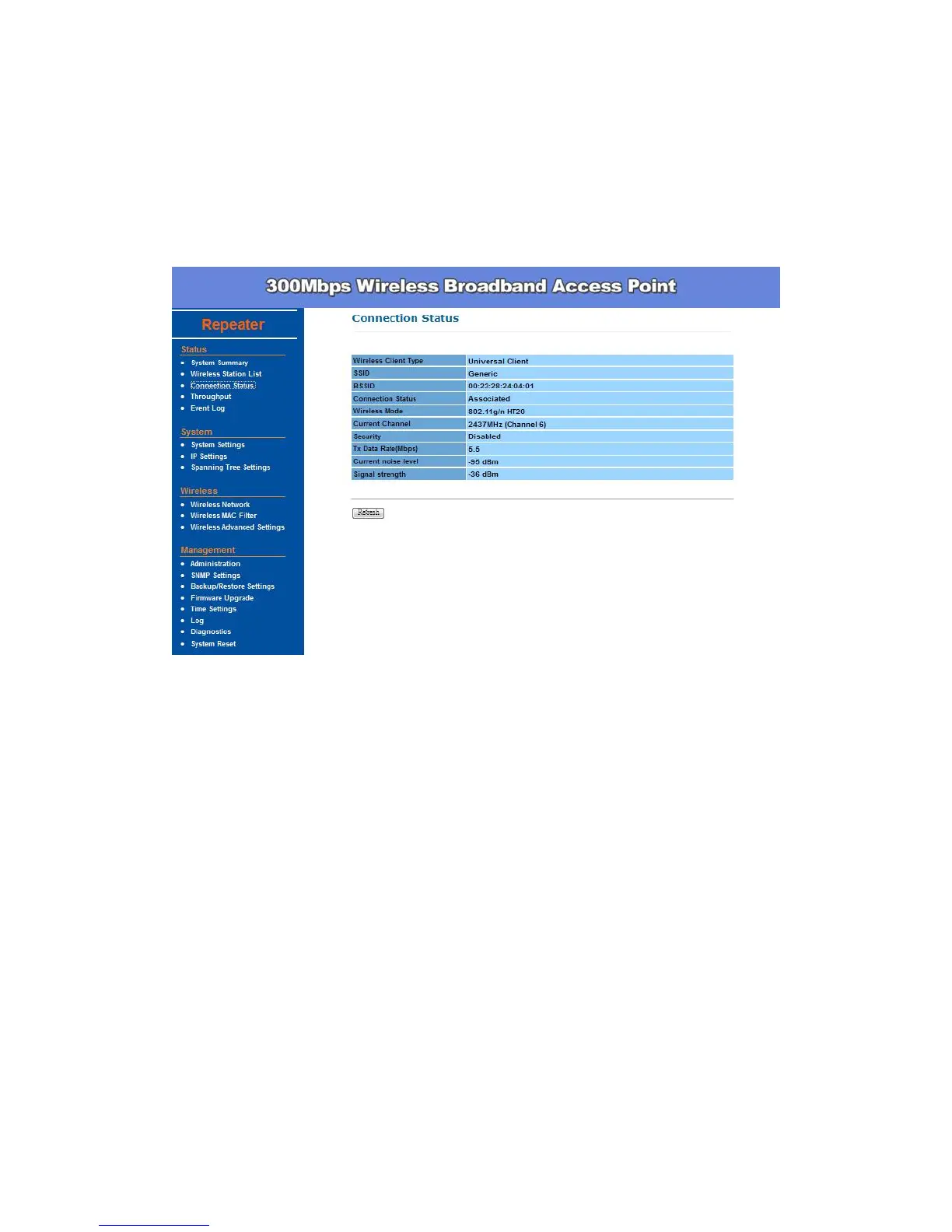
After all the changes are made, you can check the Connect Status page to
check current SSID and link quality / signal strength.
Wireless Security –
The wireless security settings configure the security of your wireless network.
There are three wireless security mode options supported by the Access Point:
WEP, WPA-PSK, and WPA2 (WPA stands for Wi-Fi Protected Access, which
is a security standard stronger than WEP encryption. WEP stands for Wired
Equivalent Privacy).
In Wireless Security page, you can configure the AP to work with Disabled (no
Security), WEP, WPA-PSK, and WPA2 security mode. Once you setup the AP
to work in security mode, all wireless stations will also need to have
corresponding settings. System default setting is Disabled.


 To Next Page