10
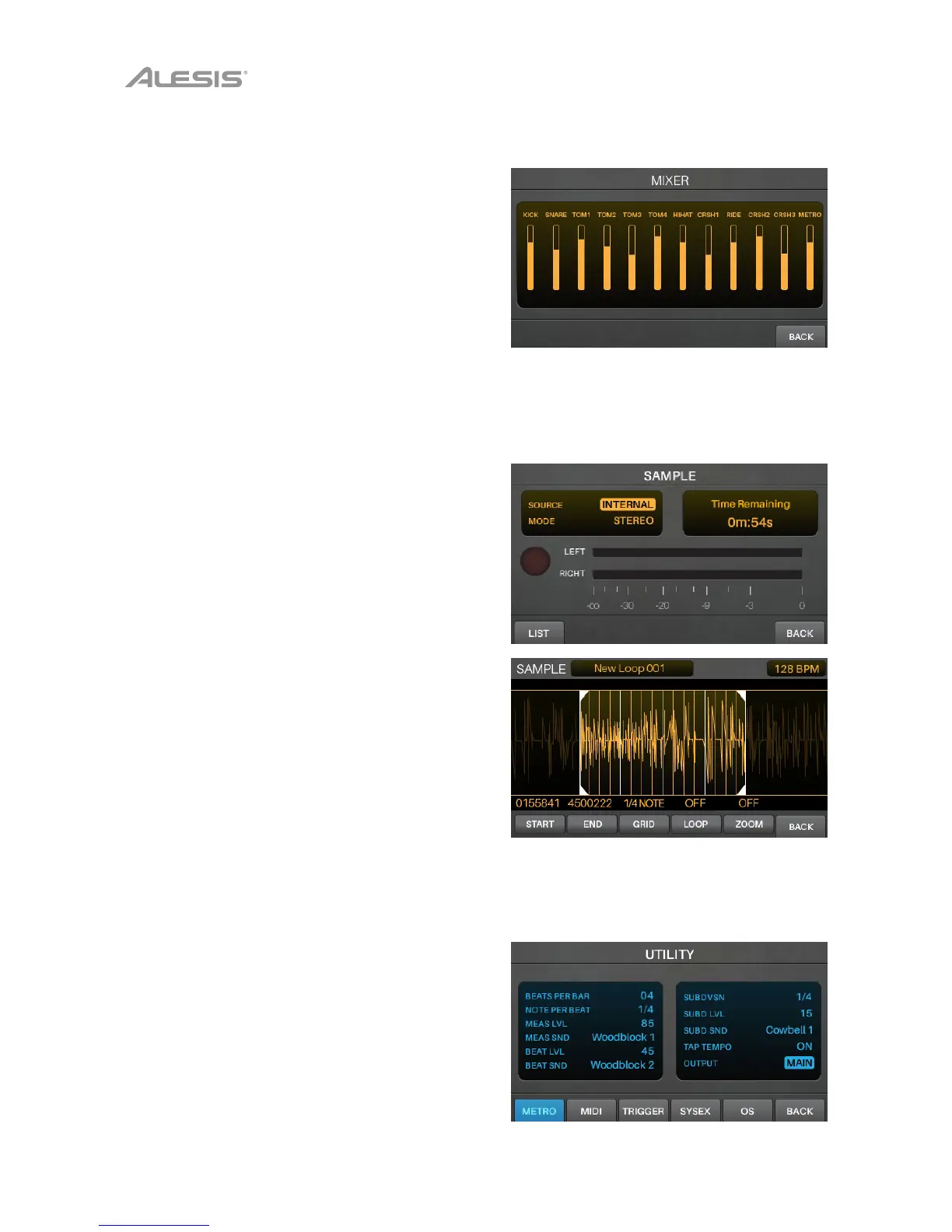
Mixer Mode
Mixer Mode shows you the output levels of each trigger,
represented by 12 channel faders.
To enter Mixer Mode, press Mixer.
To adjust the level of each trigger, move its slider
on the module up or down.
Sample Mode
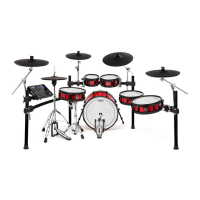
Sample Record Mode contains controls for recording
samples (before recording) and editing samples (after
recording).
To enter Sample Record Mode, press the Record ()
button.
To start recording, press the Record () button.
The button in the display will light red and the Time
Remaining counter will start counting.
To stop recording and show the Sample Edit
page, press the Record () button again.
See Sample Mode > Recording Samples to learn more.
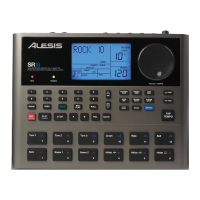
Sample Edit Mode lets you edit the sample you just
recorded. See Sample Mode > Editing Samples for more
information about this.
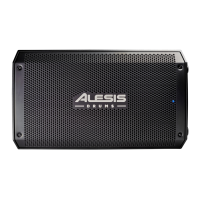
Utility Menu
The Utility menu contains settings that determine the
module’s overall operation, including global metronome
functions, global trigger settings, and system information.
To view the Utility menu, press Utility.
See Utility Menu for more information about this.



 To Next Page