alues/Settings
Subdvsn
This determines the subdivision of each beat.
Off, 1/4, 1/8, 1/16, 1/32, 1/64.
Trplt indicates a triplet-based
time division.
Subd Lvl
This is the volume level of subdivisions of each bar.
00–99
Subd Snd
This is the sound used for subdivisions of each bar.
Woodblock 1, Woodblock 2,
Cowbell 1, Cowbell 2, Shaker
Tap Tempo This is determines whether the Metro > Tempo button
is enabled or disabled.
On, Off
Output
This is determines where the metronome sound is
routed: the Main Out, headphone jack (Hdph Out), or
both (Main & Hdph).
Main Out
Hdph Out
Main & Hdph
MIDI
Setting Description
alues/Settings
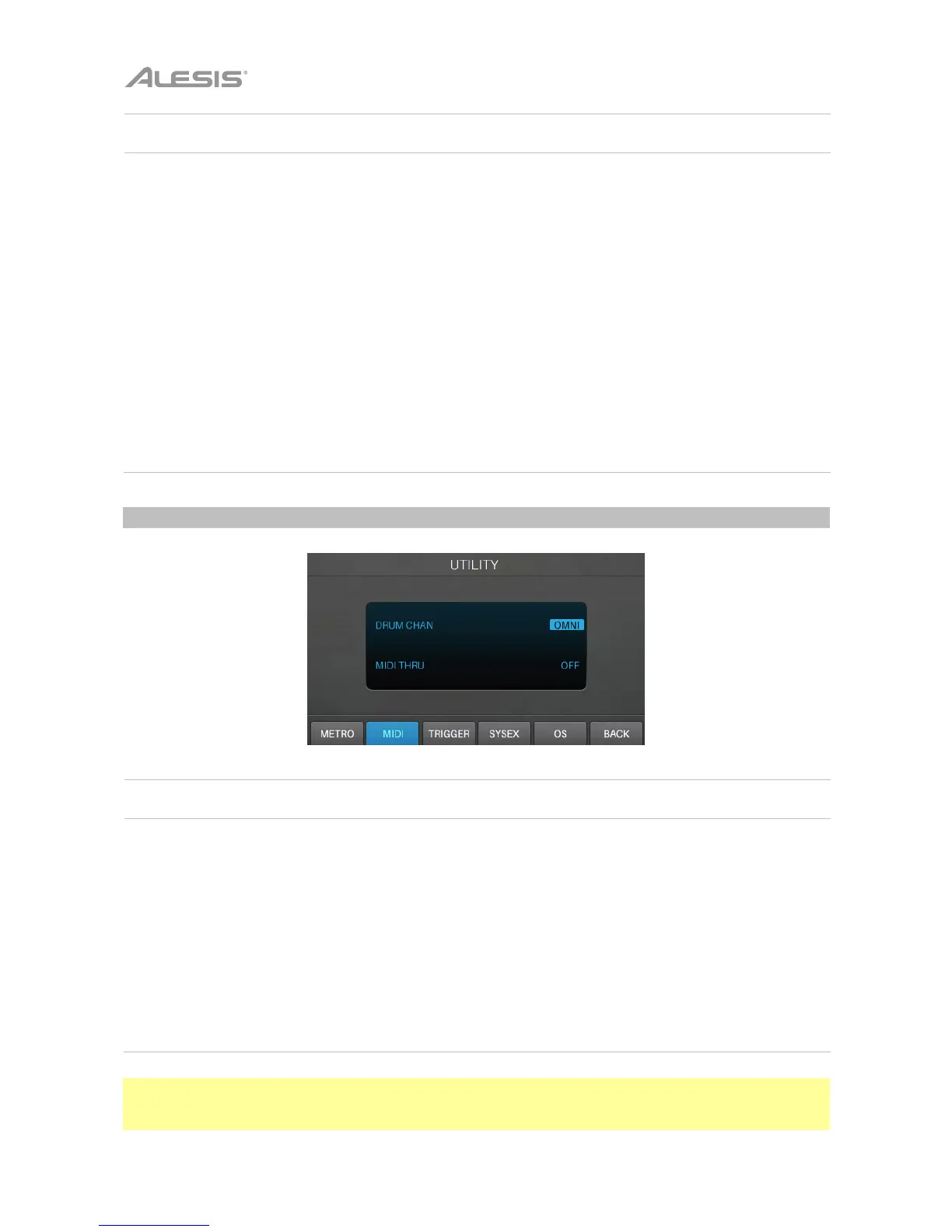
Drum Chan
This is the MIDI channel over which the module will
receive MIDI data.
Omni (all channels)
01–16
MIDI Thru This determines whether or not the module’s MIDI Out
functions as a MIDI Thru.
Enabled: A MIDI device
connected to the module’s MIDI
In will send its MIDI messages
through the module to the device
connected to the MIDI Out.
Disabled: Only MIDI messages
originating from the module itself
will be sent out of its MIDI Out.
Note: You can send MIDI program change messages to your Strike module’s MIDI input or USB port. The
numbers of program change messages correspond to the kits listed in the current folder. Alternatively,
send MIDI CC #118 to increment by one kit or MIDI CC #119 to decrement by one kit.



 To Next Page