- 48 -
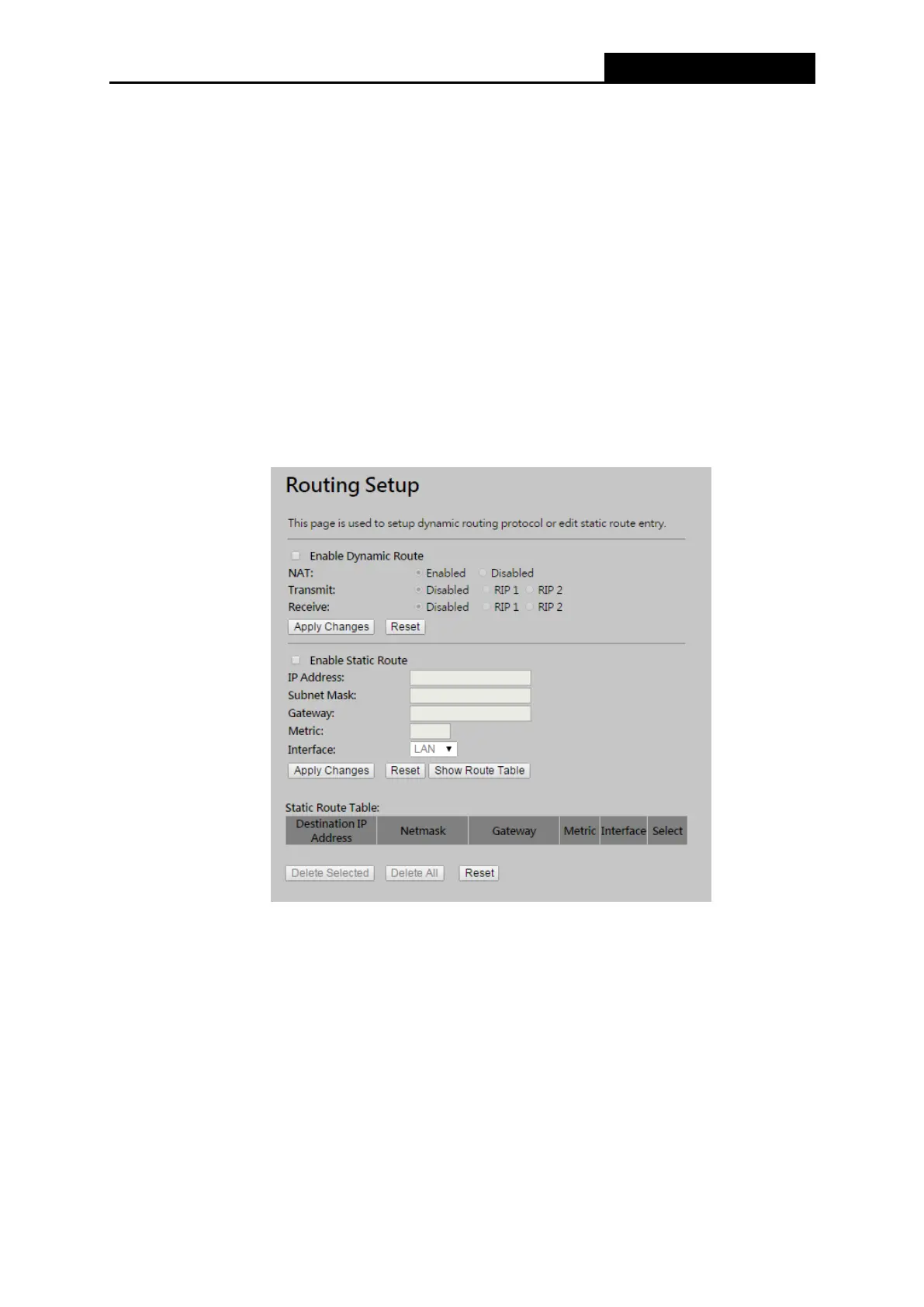
Enable Dynamic Route Click this box to enable Dynamic Route.
Transmit enable RIPv1 or RIPv2 protocol on outgoing data.
Receive enable RIPv1 or RIPv2 protocol on incoming data.
Enable Static Route Click this box to enable static route.
IP Address The network or host IP address desired to access.
Subnet Mask The subnet mask of destination IP.
Gateway The gateway is the router or host’s IP address to which packet was sent. It must
be the same network segment with the WAN or LAN port.
Show Routing Table Clicking this button will show you all the routing table of the system.
Static Routing table It only shows the static routing table and you can delete one or all.
Figure 4-35 Route setup menu



 To Next Page