- 39 -
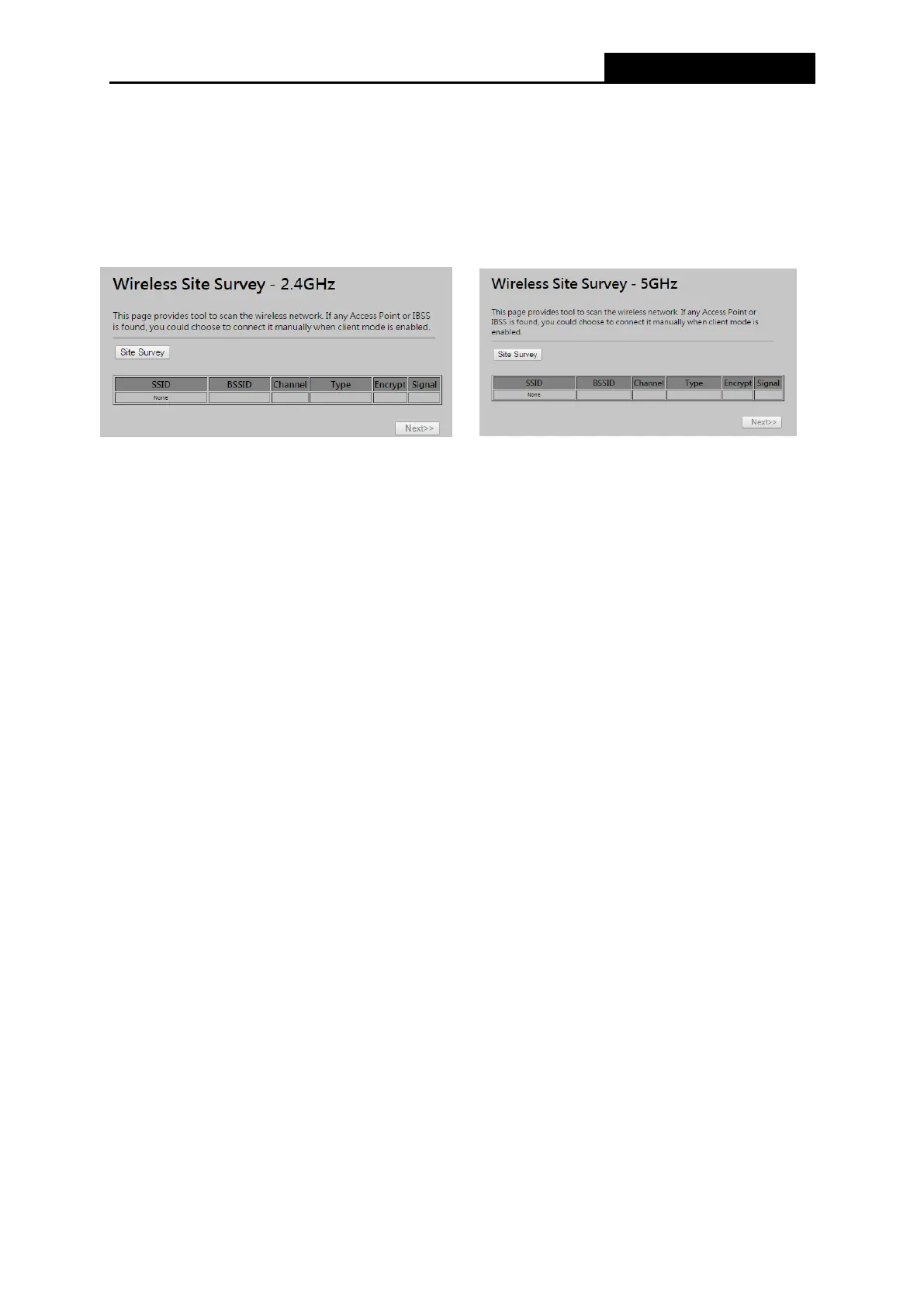
4.6.6 Site Survey
Choose menu “Wireless → Site Survey”,
you
scan and connect nearby 2.4GHz / 5GHz
APs
when operate at
c
li
e
n
t
m
od
e
.
SSID- The SSID of the AP your Router is going to connect to as a client. You can also use
the search function to select the SSID to join.
BSSID - The BSSID of the AP your Router is going to connect to as a client. You can also
use the search function to select the BSSID to join.
Channel - This field displayed operating frequency of the AP your Router is going to connect
to as a client.
Type – Type of the AP your Router is going to connect to as a client, AP or AD-HOC.
Encryption – Shows encryption type of the AP your Router is going to connect to as a client.
Signal – Shows the signal strength of the AP your Router is going to connect to as a client.



 To Next Page