- 49 -
4.10 Management
Figure 4-35 The Management menu
There are nine submenus under the Management menu as shown in Figure 4-35. Click any of
them, and you will be able to configure the corresponding function.
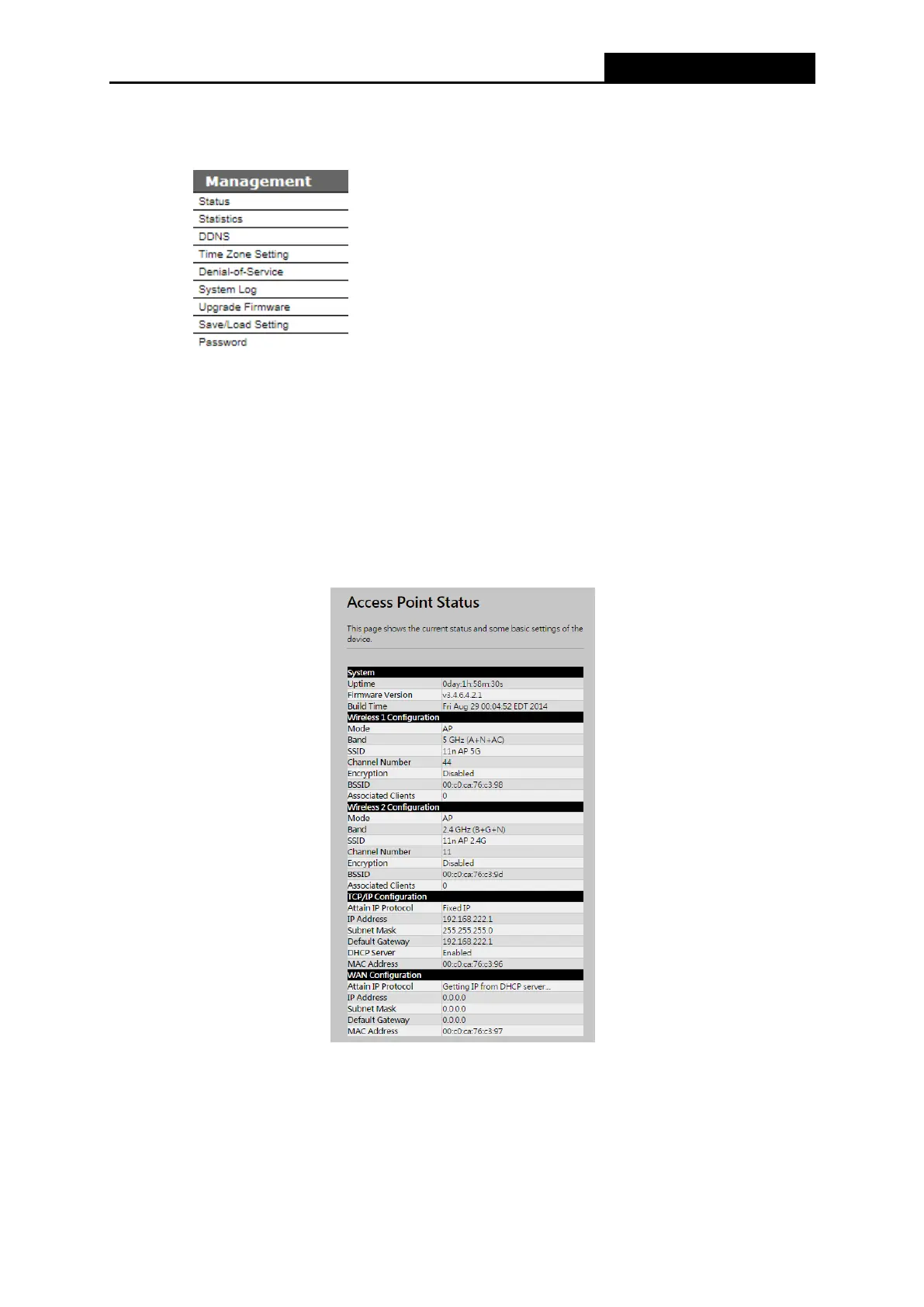
4.10.1 Status
Choose menu “Management → Status”, display the current status of AC1200R as shown in
Figure 4-39.
Figure 4-35 Status
4.10.2 Statistics
Choose menu “Management → Statistics”, you can view the network traffic on the Router as
shown in Figure 4-36.



 To Next Page