- 4 -
1.3 Panel Layout
1.3.1 The Front Panel
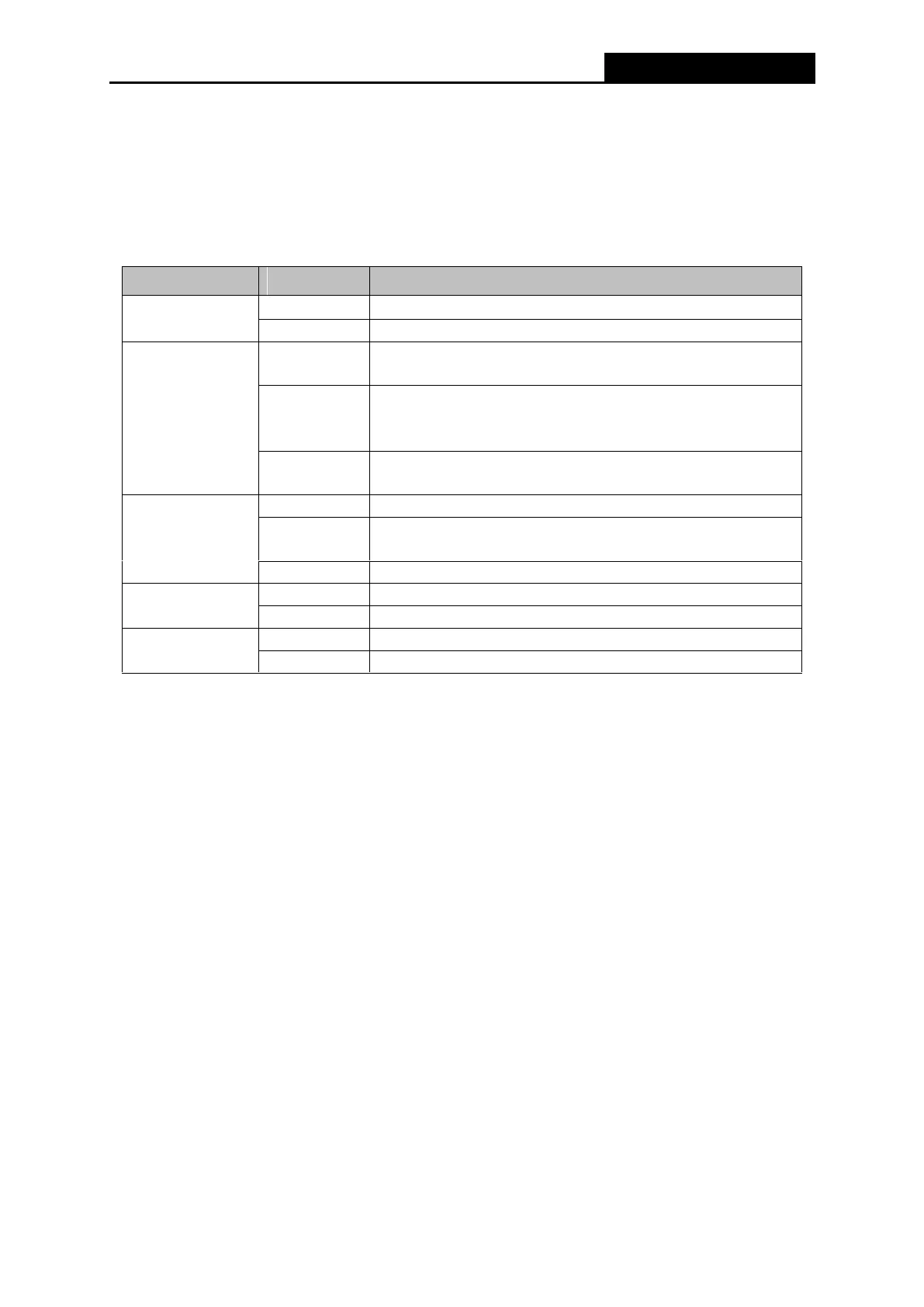
The Router’s LEDs and the WPS/Reset Button are located on the side panel (View from left to
right).
A wireless device is connected to the network by WPS
function. This process will last for about 2 minutes.
A wireless device has been successfully added to the
network by WPS function. The LED will light up for about
2 minutes.
A wireless device failed to be added to the network by
WPS function.
There is no device linked to the corresponding port.
There is a device linked to the corresponding port but
there is no activity.
There is an active device linked to the corresponding port.
The Wireless function is disabled or not active
The Wireless function is disabled or not active
Table 1-1 The LEDs Description
Note:
1. After the device has been successfully added to the network by the WPS function, the WPS
LED will light up for about 2 minutes and then turn off.
2. To reset the router, press the Reset Button and hold for more than 10 seconds.



 To Next Page