- 10 -
3.2 Quick Installation Guide
With a Web-based utility, it is easy to configure and manage AC1200R. The Web-based utility can
be used on any Windows, Macintosh or UNIX OS with a Web browser, such as Microsoft Internet
Explorer, Mozilla Firefox or Apple Safari.
1. To access the configuration utility, open a web-browser and type in the default address
http://192.168.26.1 in the address field of the browser.
Figure 3-3 Log in the Router
A login window may pop up; leave the User Name and Password blank. Then click OK or
press Enter.
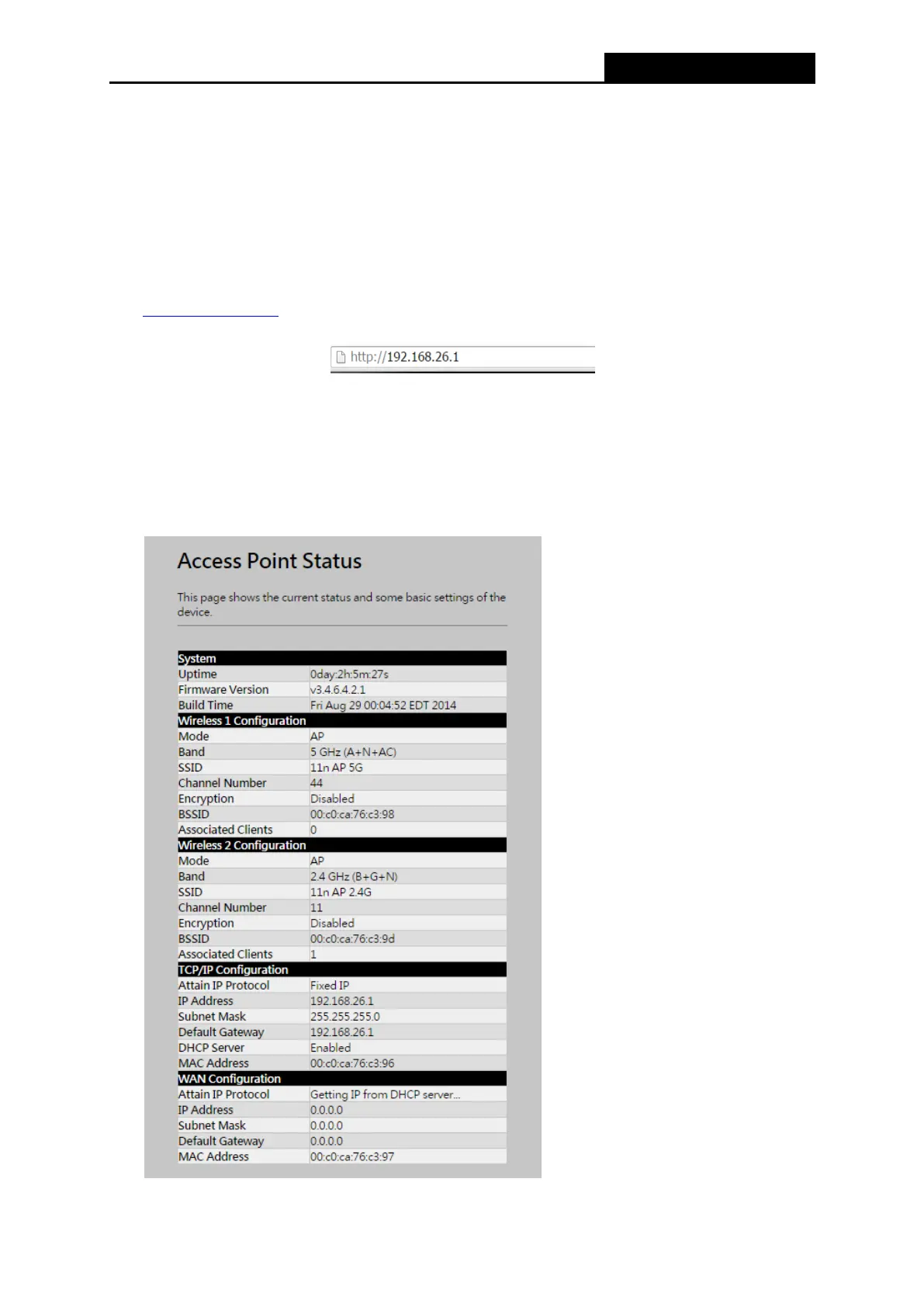
2. After successfully logging in, machine current status will be displayed in the window.



 To Next Page