- 9 -
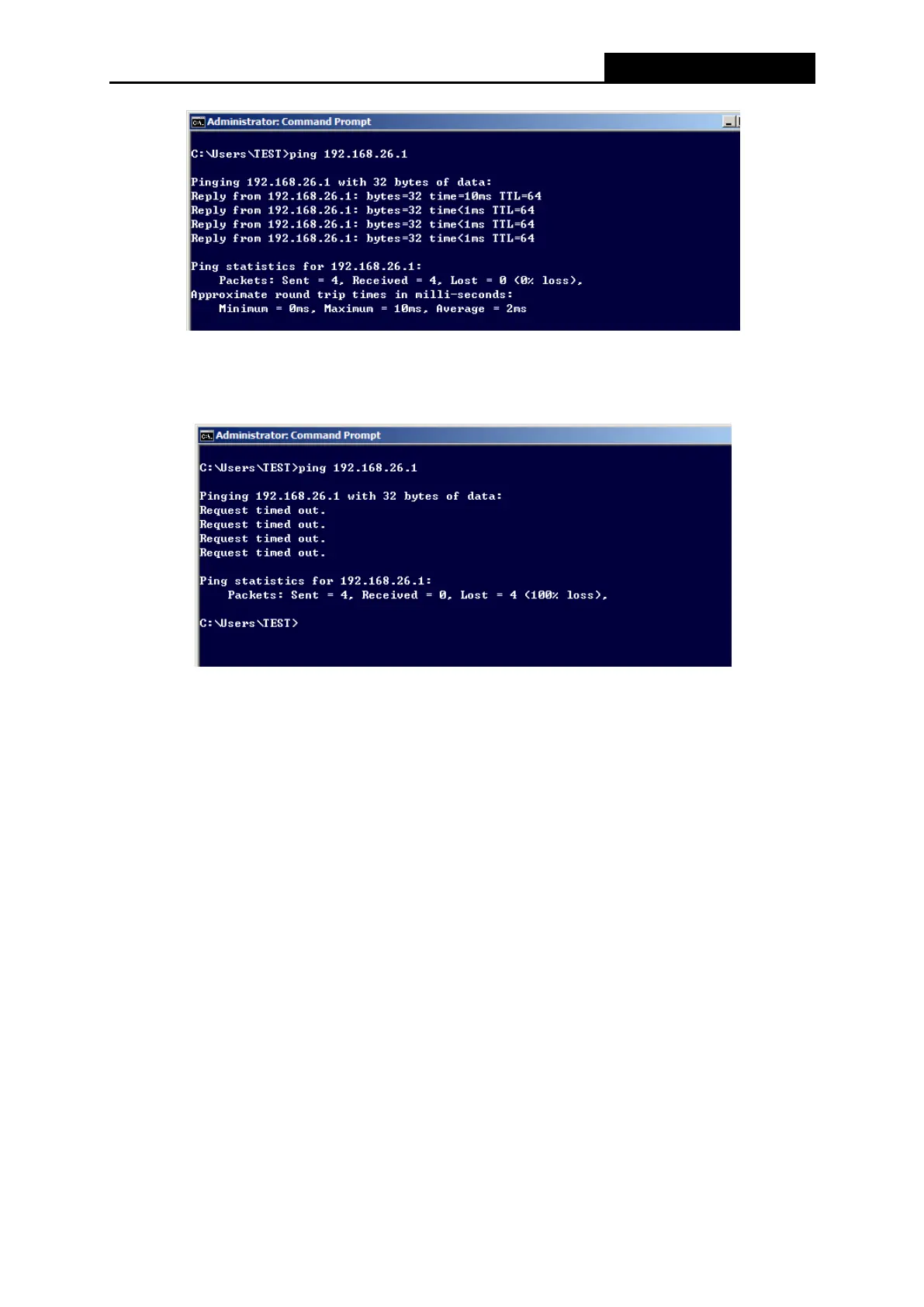
Figure 3-1 Success result of Ping command
If the result displayed is similar to the Figure 3-2, it means the connection between your PC
and the Router has failed.
Figure 3-2 Failure result of Ping command
To check the connection follows these steps:
1. Is the connection between your PC and the Router correct?
Note:
The 1/2/3/4 LEDs of LAN ports which you link to on the Router and LEDs on your PC's adapter
should be lit.
2. Is the TCP/IP configuration for your PC correct?
Note:
The Router's IP address is 192.168.26.1. Your PC's IP address must be within the range of
192.168.26.2 ~ 192.168.26.254.



 To Next Page