- 37 -
4.6.4 Access Control
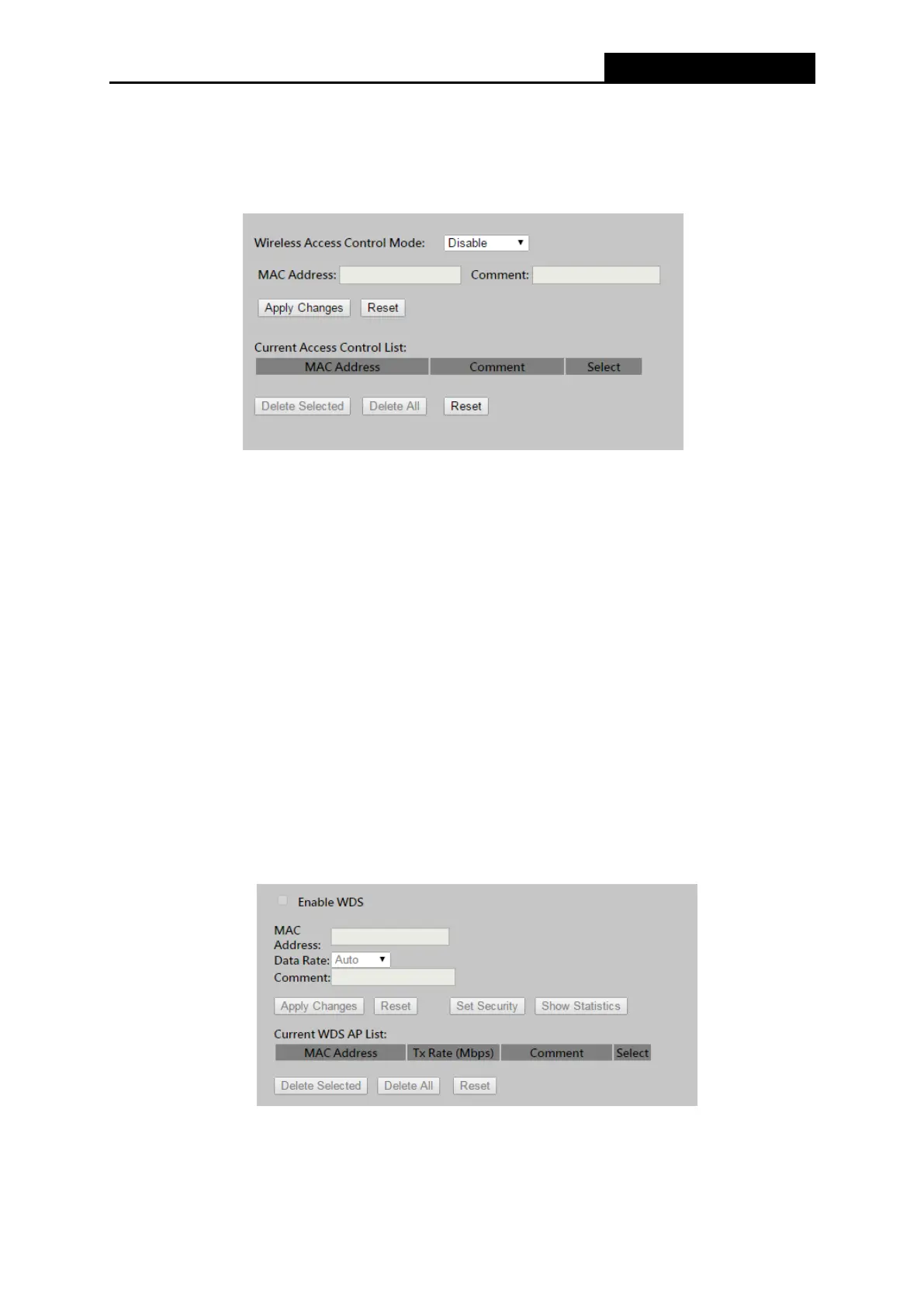
Choose menu “Wireless → Access Control”, you can control the 2.4GHz / 5GHz wireless
access by configuring the Wireless Access Control function, shown in Figure 4-23.
Figure 4-23 Wireless Access Control
To allow wireless users by MAC Address, click Allow Listed, or prohibited wireless users by MAC
Address by click Deny Listed. The default setting is Disable.
MAC Address - The wireless station's MAC address that you want to filter.
Comment - A simple description of the wireless station.
Be sure to click the Apply Changes button to save your settings on this page
Current Access Control List -
Display
s the
r
e
g
i
s
t
e
r
e
d
c
li
e
n
t
s that are
a
ll
o
w
e
d
to
link
to
t
h
i
s
W
L
A
N
B
ro
a
db
a
nd
R
ou
t
e
r
.
4.6.5 WDS Settings
Choose menu “Wireless → WDS Settings”, you can configure the advanced settings of your
wireless network.
Figure 4-24 Wireless Advanced
To add wireless AP by MAC Address, click Enable WDS.



 To Next Page