- 11 -
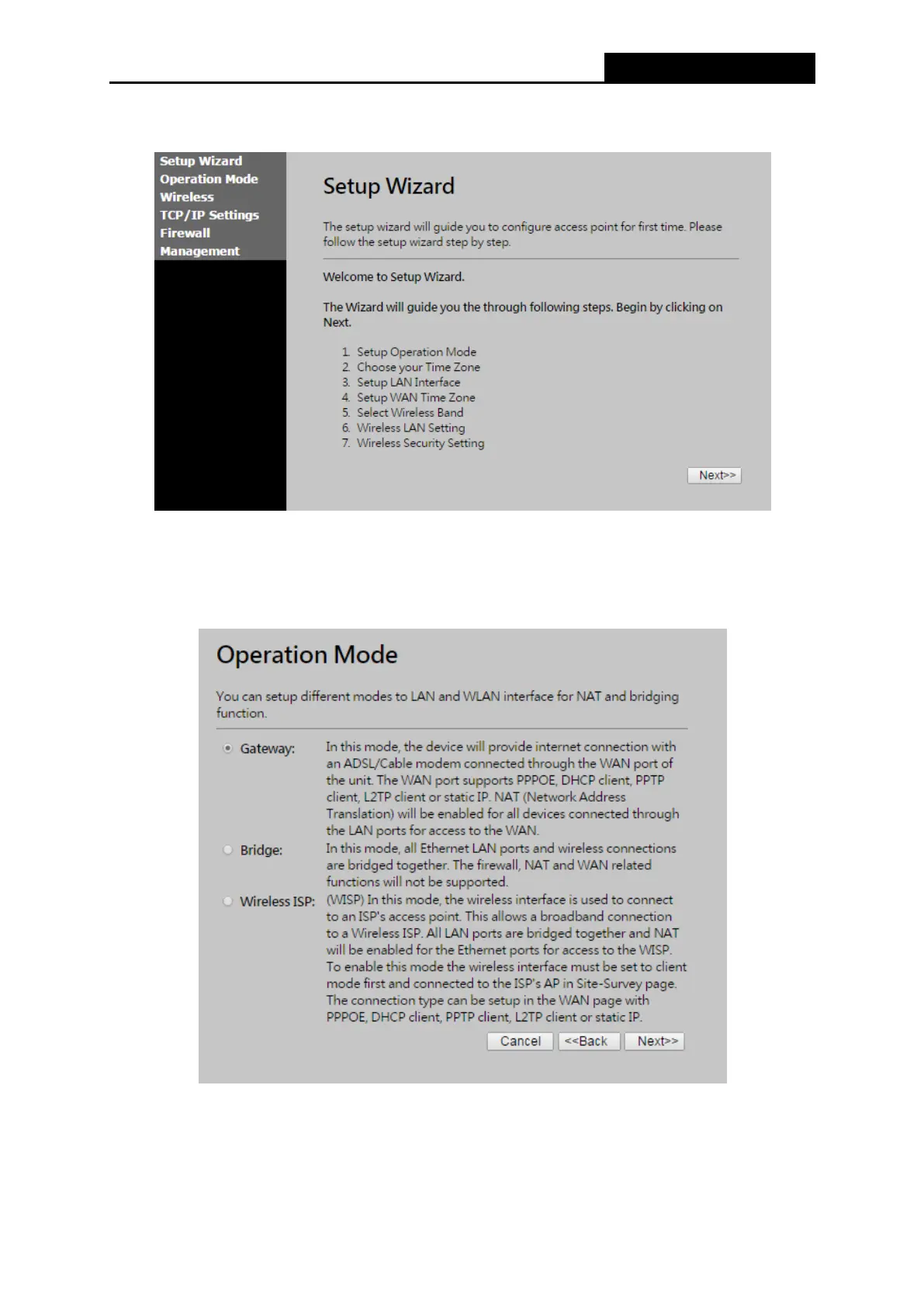
3. Click the Setup Wizard on the left control menu to quickly configure your Router.
Figure 3-4 Quick Setup
4. Click Next, and then Operation Mode page will appear, shown in Figure 3-5.
Figure 3-5 Quick Setup - WAN Connection Type
The Router provides three popular ways Gateway, Bridge and Wireless ISP to connect to
the Internet. It’s recommended that you make use of the Gateway function. If you are sure of



 To Next Page