14
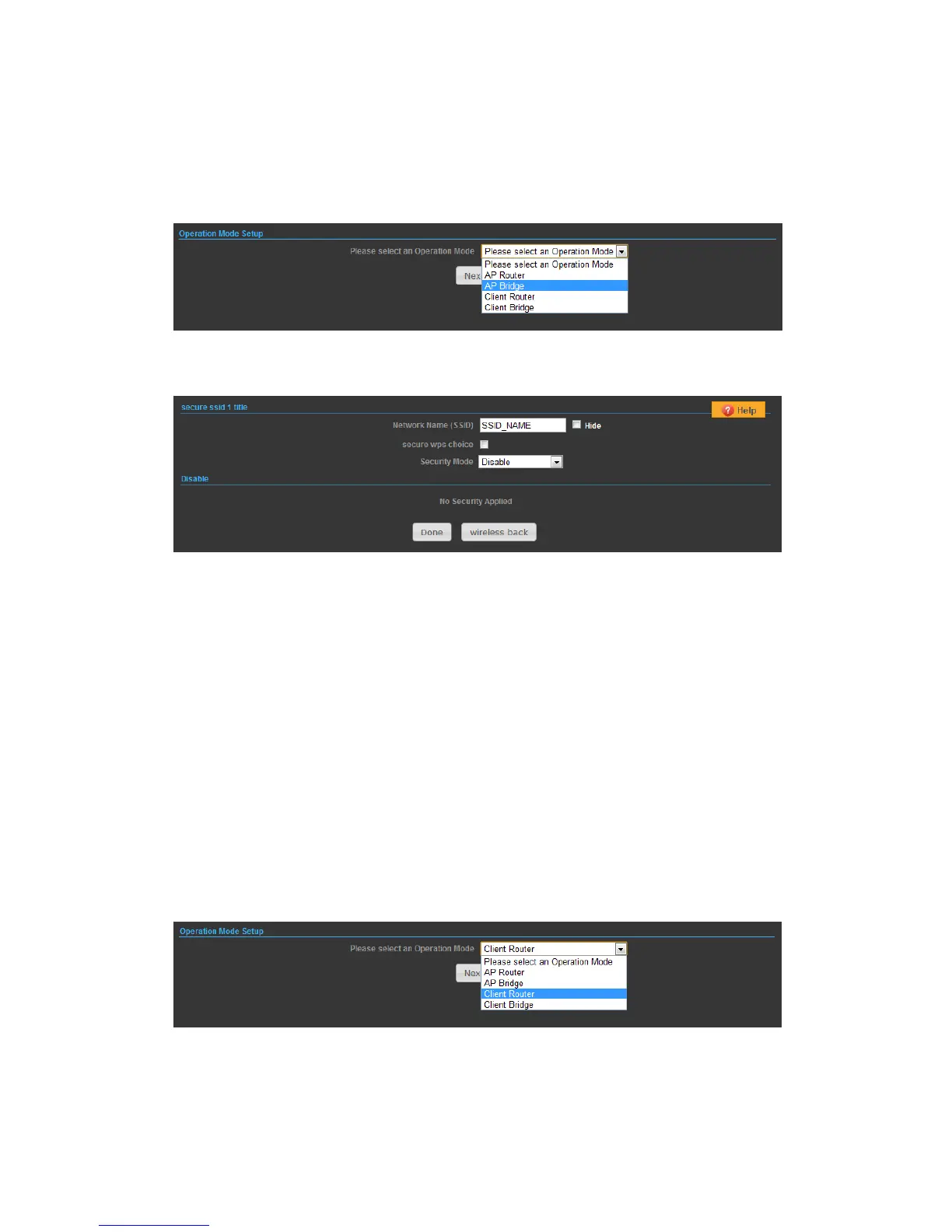
OPERATION MODE – AP BRIDGE
1) In this mode bridge your N2 to another Access Point.
2)
Network Name (SSID) — SSID (Service Set Identification) must be assigned to all
wireless devices in your network. Considering your wireless network security.
Security Mode — Select the security method and then configure the required
parameters. (Options: Disabled, Open, Shared, WEP-AUTO, WPA-PSK, WPA2-PSK,
WPA-PSK_WPA2-PSK, WPA, WPA2, WPA1_WPA2, 802.1X; Default: Disabled
OPERATION MODE – CLIENT ROUTER
In the Client Router mode is also known as WISP. The N2 wireless side is connected
to the remote AP (Base-Station) as in Client Infrastructure mode. Between the
wireless and LAN is the IP sharing router function. This is used to share Client
Router connection. The WAN is on the wireless side.
2) Press Site Survey button and look for available wireless network then click on the
SSID that you attempt to connect to it; MikroTik_B is the SSID that we are going
to connect in this example. Press Next button when finished.


 To Next Page