22
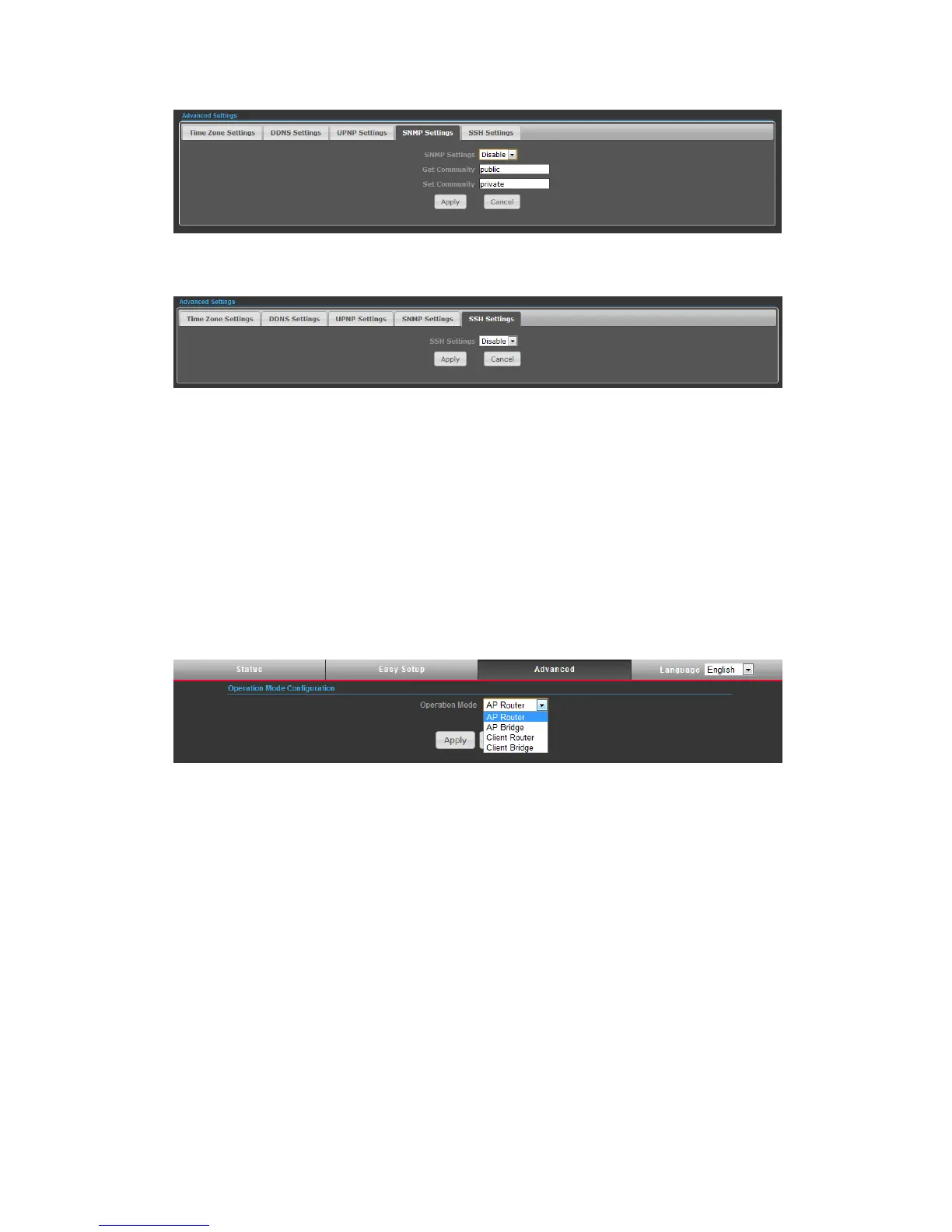
SNMP Settings – Managing devices on IP networks. Default setting is Disabled.
SSH Settings – Secure Shell. Enable your N2 unit to access secure shell (SSH)
based network device. Default setting is Disabled.
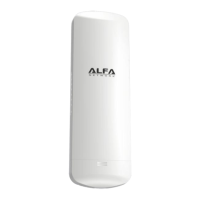
OPERATION MODE
The Operation Mode content four modes: AP Bridge, AP Router, Client Router and
Client Bridge.
◆ AP Bridge — The wired Ethernet and wireless are bridged together. Once the
mode is selected, all WAN related functions will be disabled.
◆ AP Router — The WAN port is used to connect with ADSL/Cable modem and the
wireless is used for your private WLAN. The NAT is existed between the 2 RJ45 ports
and all wireless clients share the same public IP address through the WAN port to
ISP. The default IP configuration for WAN port is DHCP client
◆ Client Router — The N2 will behave just the same as the client mode for wireless
function. However, router functions are added between the wireless WAN side and
the Ethernet LAN side. Therefore, the WSIP subscriber can share the WISP
connection without the extra router.
◆ Client Bridge — The N2 will behave just the same as Wireless adapter. With
Client Bridges, the WLAN and the LAN are on the same subnet. Consequently, NAT
is no longer used and services that are running on the original network.


 To Next Page