8
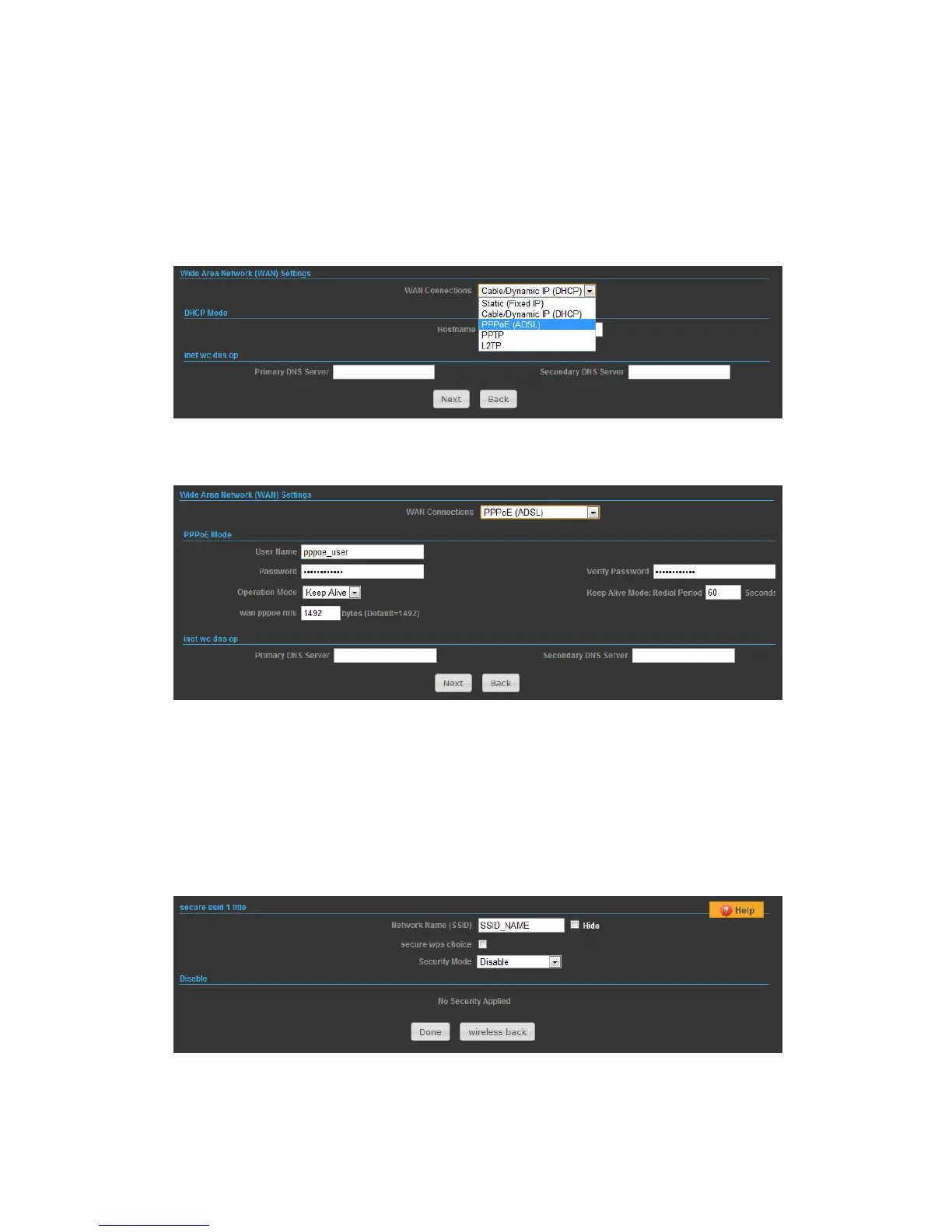
SETTINGS – PPPoE(ADSL)
1) Select PPPoE to be assigned automatically from an Internet service provider (ISP)
through a DSL modem using Point-to-Point Protocol over Ethernet (PPPoE).
2)
◆ User Name — Sets the PPPoE user name for the WAN port.
◆ Password — Sets a PPPoE password for the WAN port.
◆ Verify Password — Prompts you to re-enter your chosen password.
◆ Operation Mode — Enables and configures the keep alive time and configures the
on-demand idle time.
3)
Security Setup
Network Name (SSID) — SSID (Service Set Identification) must be assigned to all



 To Next Page