6
INITIAL CONFIGURATION
The N2, outdoor 2.4GHz AP/CPE offers a user-friendly web-based management
interface for the configuration of all the unit’s features. Any
PC directly attached to the unit can access the management interface using a web
browser, such as Internet Explorer (version 6.0 or above).
CONNECTING TO THE LOGIN PAGE
It is recommended to make initial configuration changes by connecting a PC directly
to the N2’s LAN port. The N2 has a default IP address of 192.168.2.1 and a subnet
mask of 255.255.255.0. You must set your PC IP address to be on the same subnet
as the N2 (that is, the PC and N2 addresses must both start 192.168.2.x). To access
the N2’s management GUI interface, follow these steps:
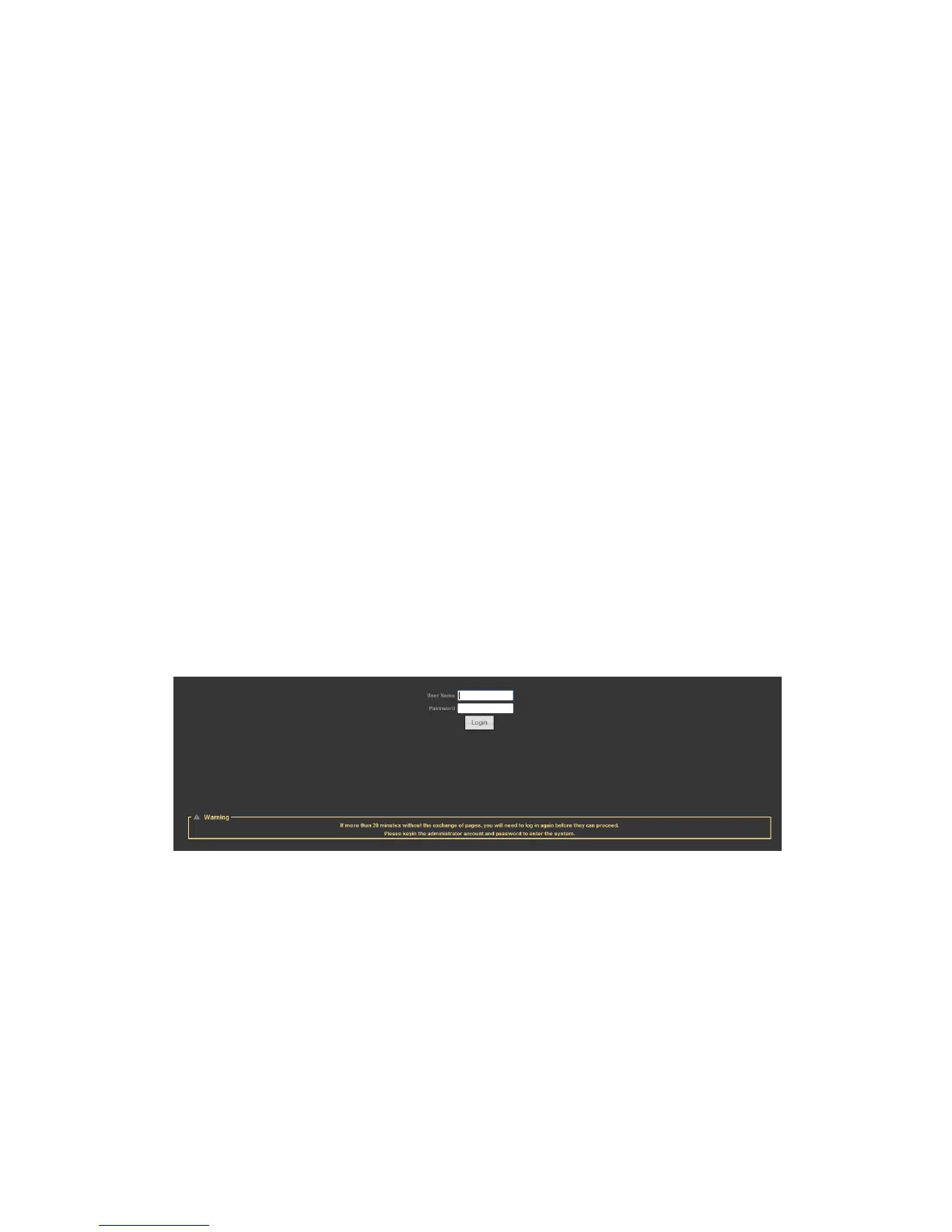
1. Use your web browser to connect to the management interface using the default
IP address of 192.168.2.1.
2. Log into the interface by entering the default username “admin” and password
“admin,” then click OK.
STATUS PAGE
After logging in to the web interface, the Status page displays. The Home page
top-menu-bar shows the Status, Easy Setup, Advanced and Language.


 To Next Page