20
4. The Router will reboot after the upgrading has been finished.
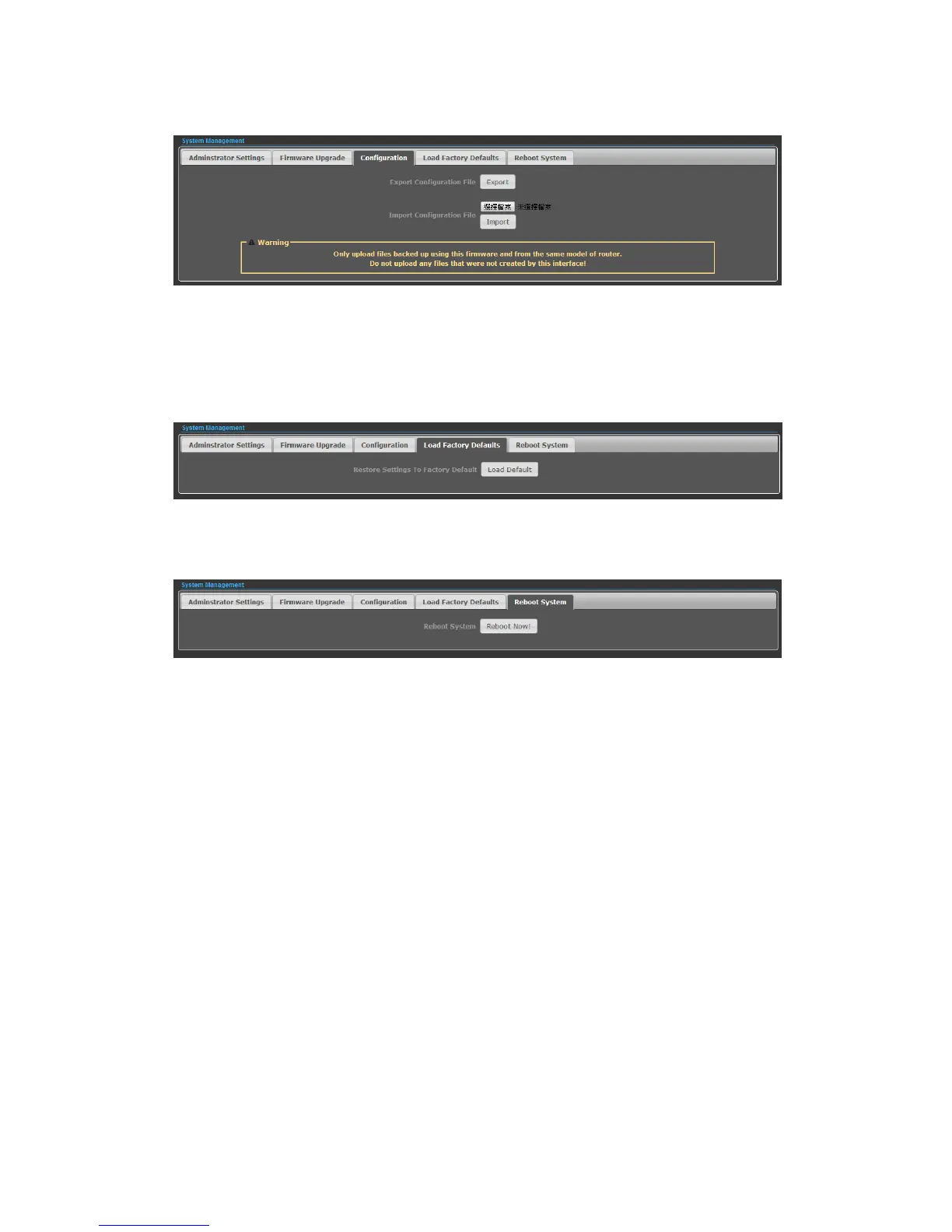
◆ Export Settings — Click the Export Button to download current router
configuration to your PC.
◆ Import Settings — Click the Import Button to browse for the configuration file
that is currently saved on your PC. Click Import to overwrite all current
configurations with the one in the configuration file.
◆ Load Factory Defaults — If you have problems with N2, which might be a result
from changing some settings, but you are unsure what settings exactly, you can
restore the factory defaults by click the Load Default Button.
◆ Reboot System — If you want to reboot the N2, click the Reboot Now Button.


 To Next Page