Manual
Timy3 - General
-30-
9.9.6 STATISTICS
It shows the number of data strings that have not reached the Timy3. The data is displayed
per team.
9.9.7 BROADCAST PARM
It is adjustable if you want to send the adjusted WTN parameter of this Timy3 to other WTN
devices in the team or not.
• <DO NOT SEND> WTN parameter are only valid for this Timy3
• <SEND PARAMETER> adjusted WTN parameter are broadcasted to all other
WTN devices in the team
9.10 KEYBOARD-LOCK
This activates the keypad lock in order to prevent accidental entries. All keys of the Timy3 are
disabled. Disable the keyboard lock by entering 1 2 3 4 5 6.
10 Timy Messages
When using the Timy3 it might occur that messages show up on the display. These messages
inform the operator about problems or unusual operating conditions.
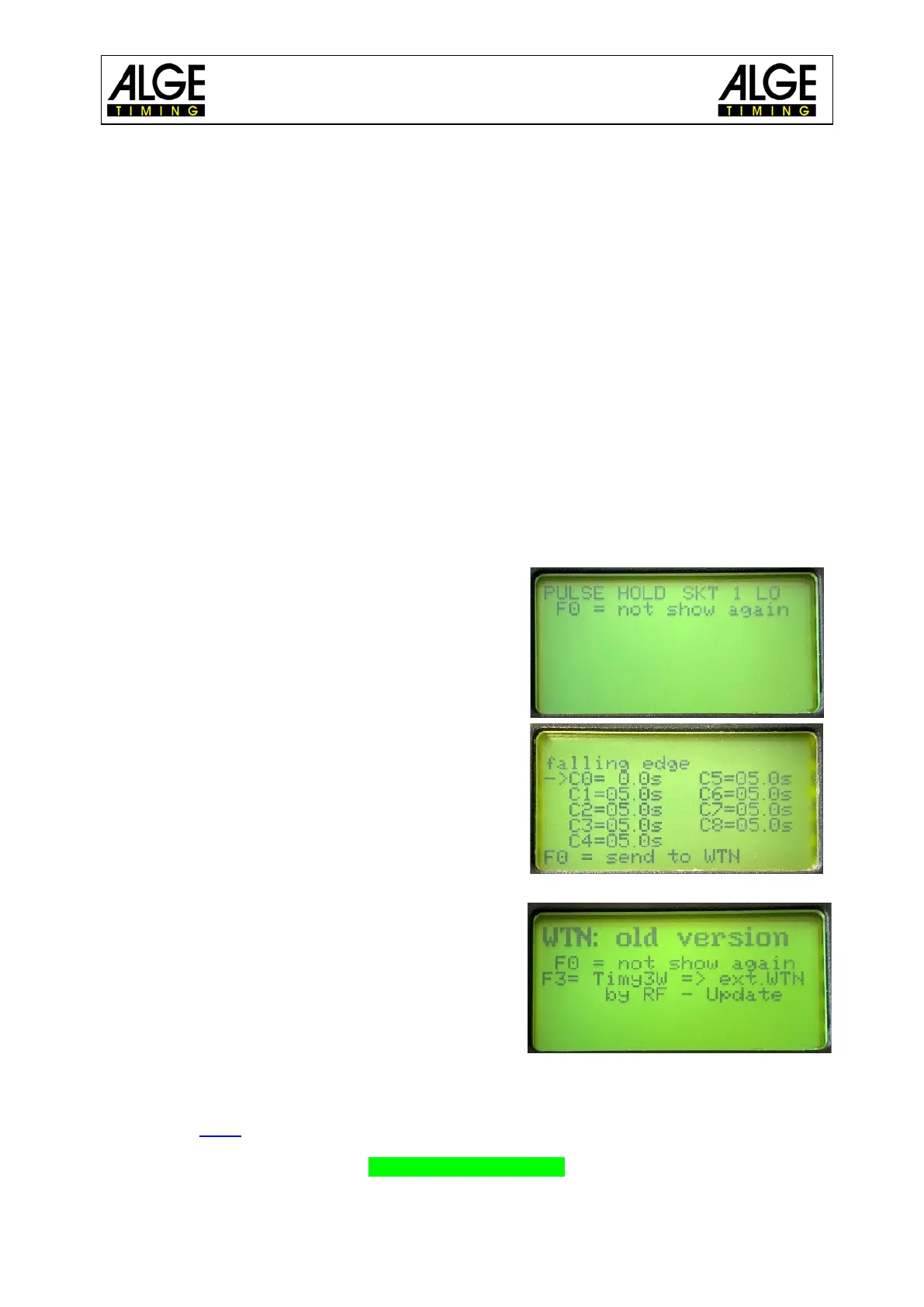
10.1 Long Time Timing Impulse
If the Timy3 receives a very long or endless timing
impulse one channel, this message is shown. The
operator can now check the reason for this and might
fix a problem.
The duration after which the Timy3 reports a “Pulse
Hold” is adjustable in the menu under <CHANNELS>
and <PULSE HOLD>.
10.2 WTN: Old Version
An old WTN firmware version has been recognized in
the network. Please update your WTN devices:
Menu-> WTN-> Settings-> Radio Update. This pro-
cess can take 15 - 45 minutes. Do not switch off the
devices during this time.
10.3 Delay Time for Radio Impulses
The time correction for the channel was set to 0.0 and a delayed packet was received by ra-
dio. Please setup
the time correction of the channel to -0.1s.
Check 0.1sec correction



 To Next Page