Manual
Timy3 - General
-9-
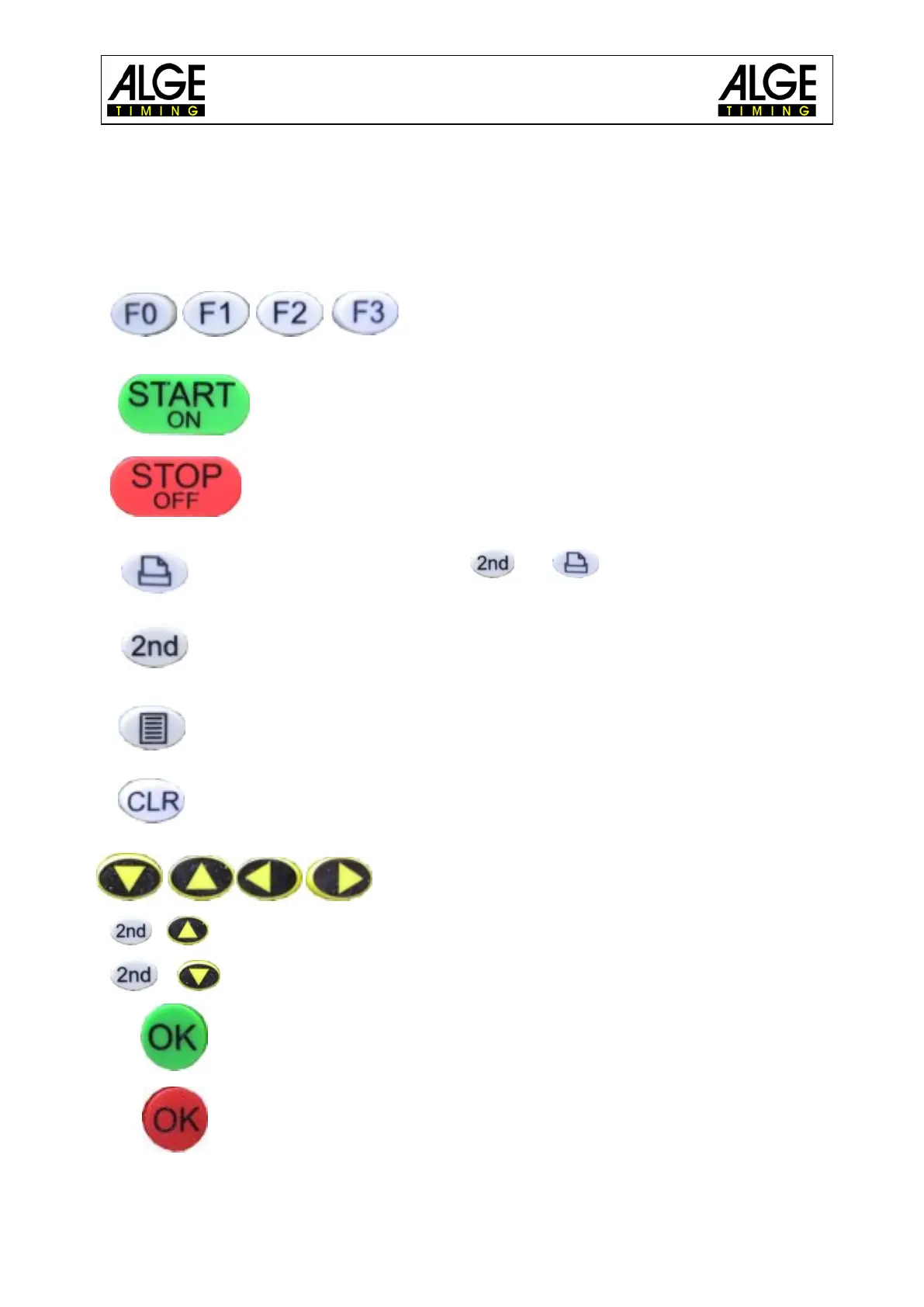
1.4 Keypad
The Timy3 has a weather-proof (water-proof) silicone keypad. The keypad is ideal for outdoor
use. The keys are raised and have ideal pressure points. Although the Timy3 is small in di-
mensions, the keys are easy to operate.
Control keys: all-purpose keys; the function of
each one is always visible on the display.
START/ON: manual start impulse and switch on the Timy3
STOP/OFF: manual stop impulse and switch off the Timy3
Printer: paper output; combination and , opens printer menu
2nd: always used in combination with a second key (additional function)
Menu: enter the device menu
CLR: clear the marked times or memory
Cursor: move the cursor in the display
+
beginning of a list
+ end of a list
OK green: switch on, confirm commands or start inputs
OK red: switch off, confirm commands or finish inputs



 To Next Page