Upgrading The Computer
Removing the Battery 6 - 3
6
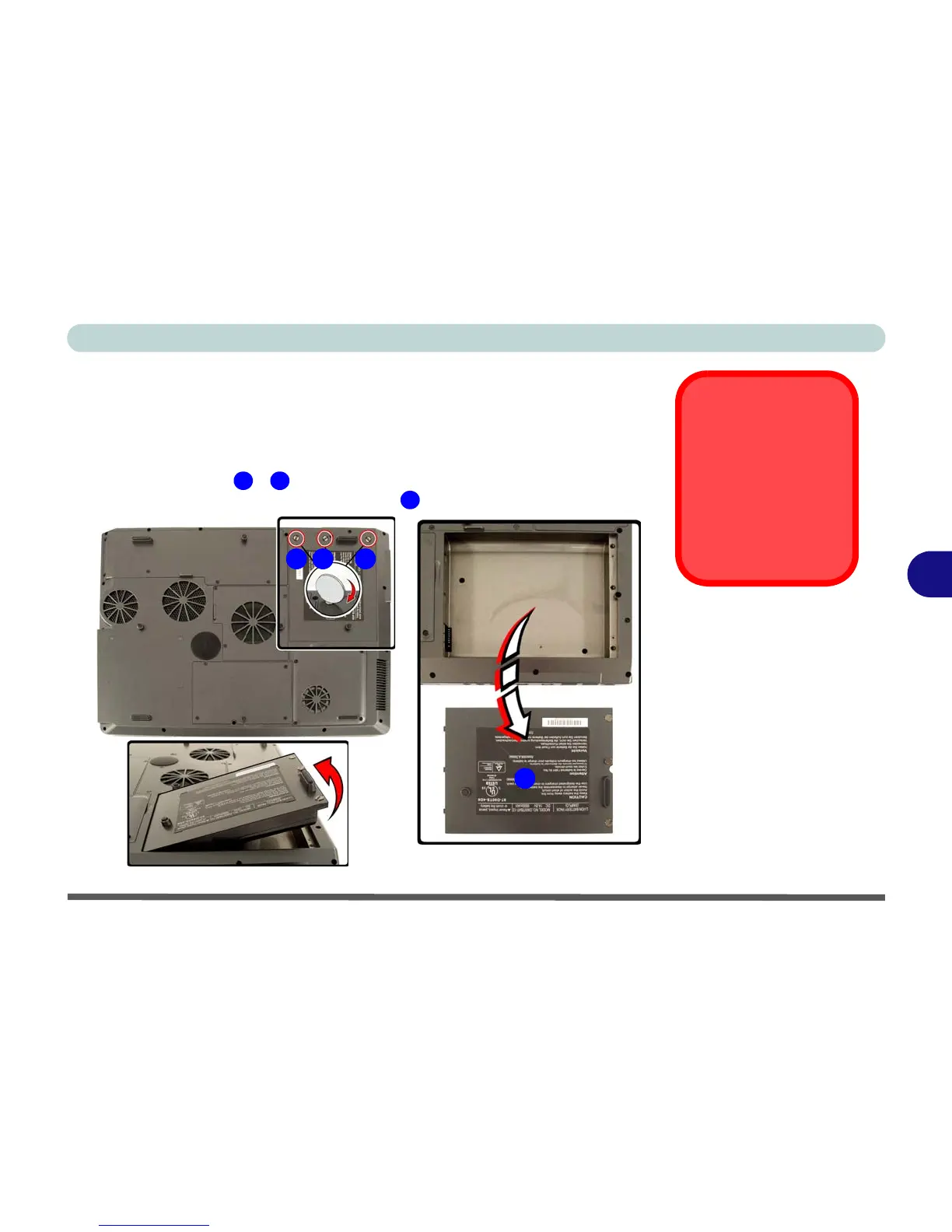
Removing the Battery
If you are confident in undertaking upgrade procedures yourself, for safety
reasons it is best to remove the battery.
1. Turn the computer off, and turn it over.
2. Loosen screws
- .
3. Release the battery, and lift the battery out of the battery bay.
Warranty Warning
Please check with your
service representative
before undertaking any
upgrade procedures to
find out if this will VOID
your warranty.
1 3
4
1 2 3
4
Figure 6 - 1
Battery Removal















 To Next Page