Storage Devices, Mouse, Audio & Printer
PC Card Slot 2 - 7
2
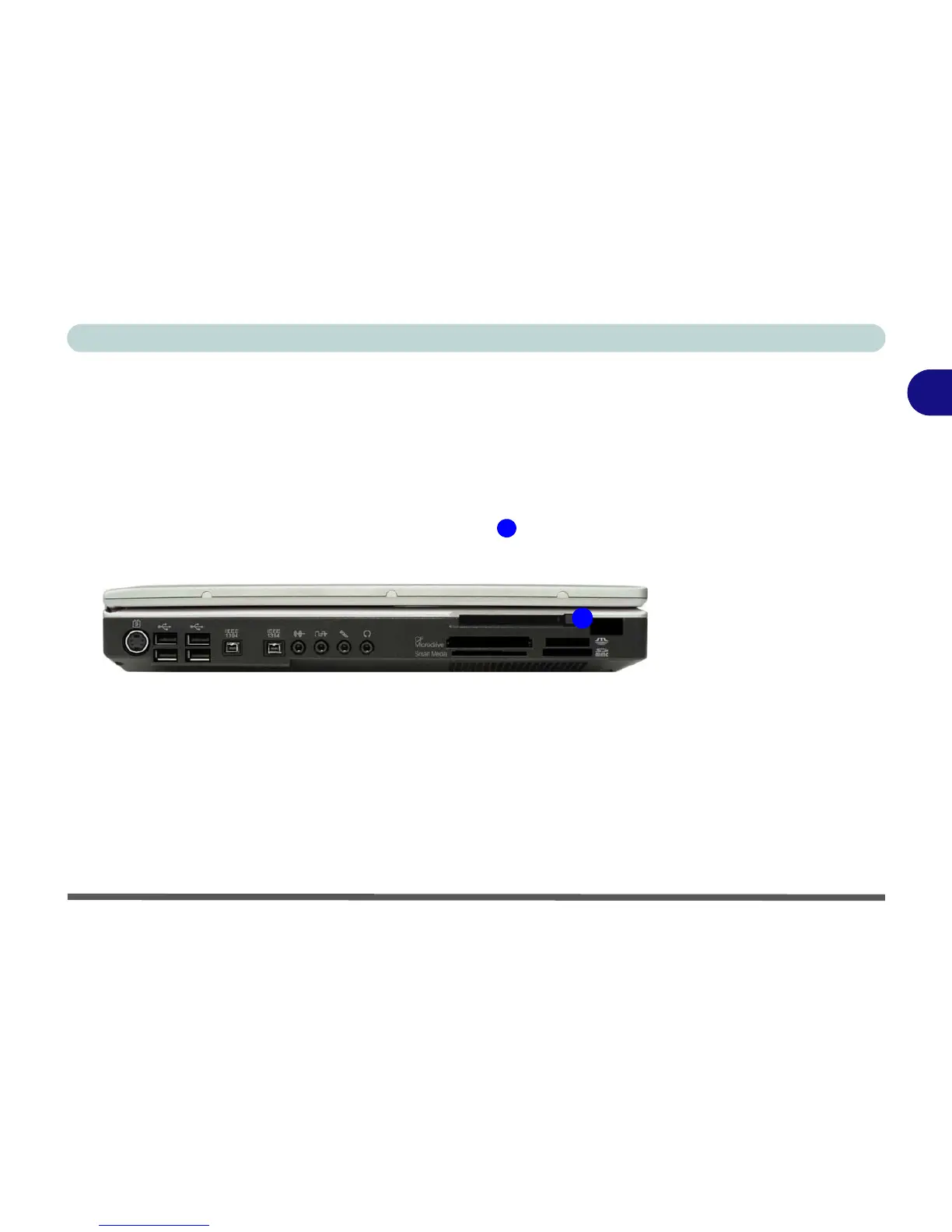
PC Card Slot
The computer is equipped with a PCMCIA 3.3V/5V slot for one type II PC
Card.
Inserting and Removing PC Cards
• Align the PC Card with the slot and push it in until it locks into place.
• To remove a PC Card, simply press the eject button next to the slot.
Figure 2 - 5
PC Card Slot
1
1















 To Next Page