Interface (Ports & Jacks)
A-5
A
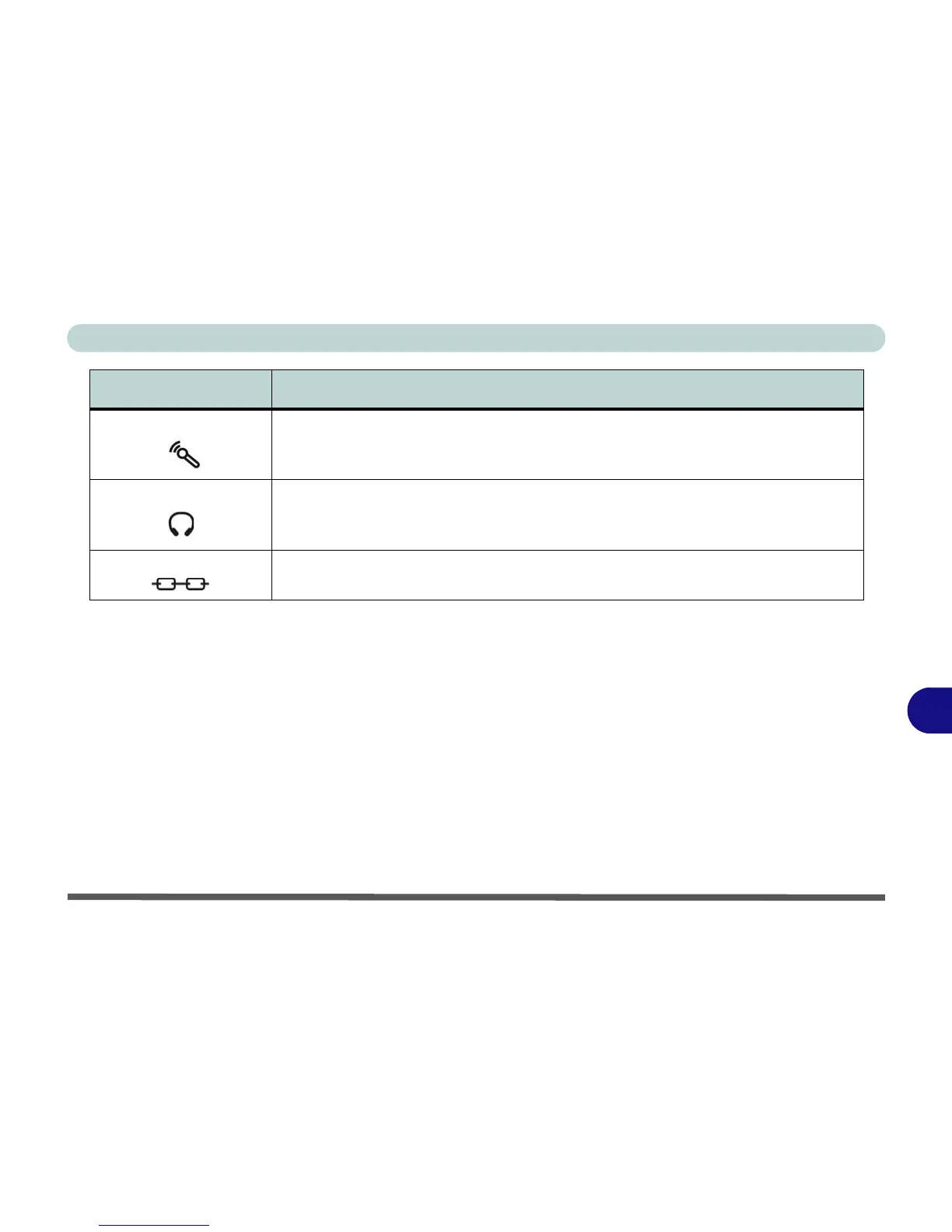
Microphone-In Jack Plug an external microphone in to this jack to record on your computer.
Headphone-Out Jack Headphones or speakers may be connected through this jack. Note: Set your system’s
volume to a reduced level before connecting to this jack.
Security Lock Slot To prevent possible theft, a Kensington-type lock can be attached to this slot. Locks can
be purchased at any computer store.
Item Description















 To Next Page