C
ATI Video Driver Controls
Display Modes C - 7
Clone Mode
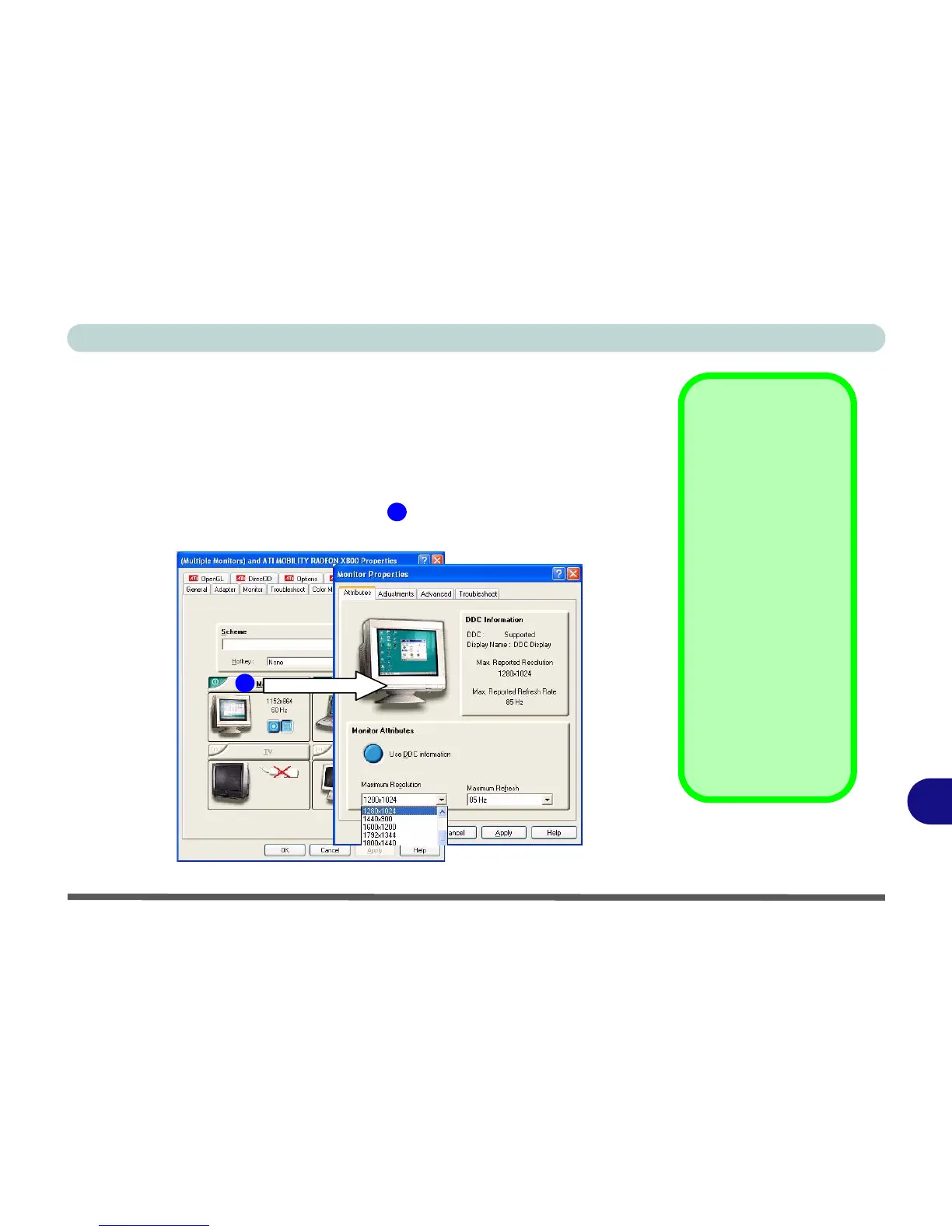
Clone Mode simply shows an exact copy of the Primary display desktop on
the other display(s). This mode will drive multiple displays with the same con-
tent. Use this feature to display the screen through a projector for a presenta-
tion. Each display device can be configured independently as this allows you
to set the options for overhead projectors etc., which require specific resolu-
tions and refresh rates. Click on the bar of the device in question to bring
up the configuration options.
Display Data Channel
Information
Click the “Use DCC In-
formation” button to
disable/enable DCC.
DCC is a data channel
used by newer moni-
tors to provide informa-
tion (e.g. maximum
resolution and refresh
rates) to the video
adapter.
Different monitors sup-
port different resolu-
tions and refresh rates
(you will need to exper-
iment for the best set-
ting).
Figure C - 4
Monitor Properties
1
1















 To Next Page