Power Management
3 - 8 Configuring the Power Button
3
Configuring the Power Button
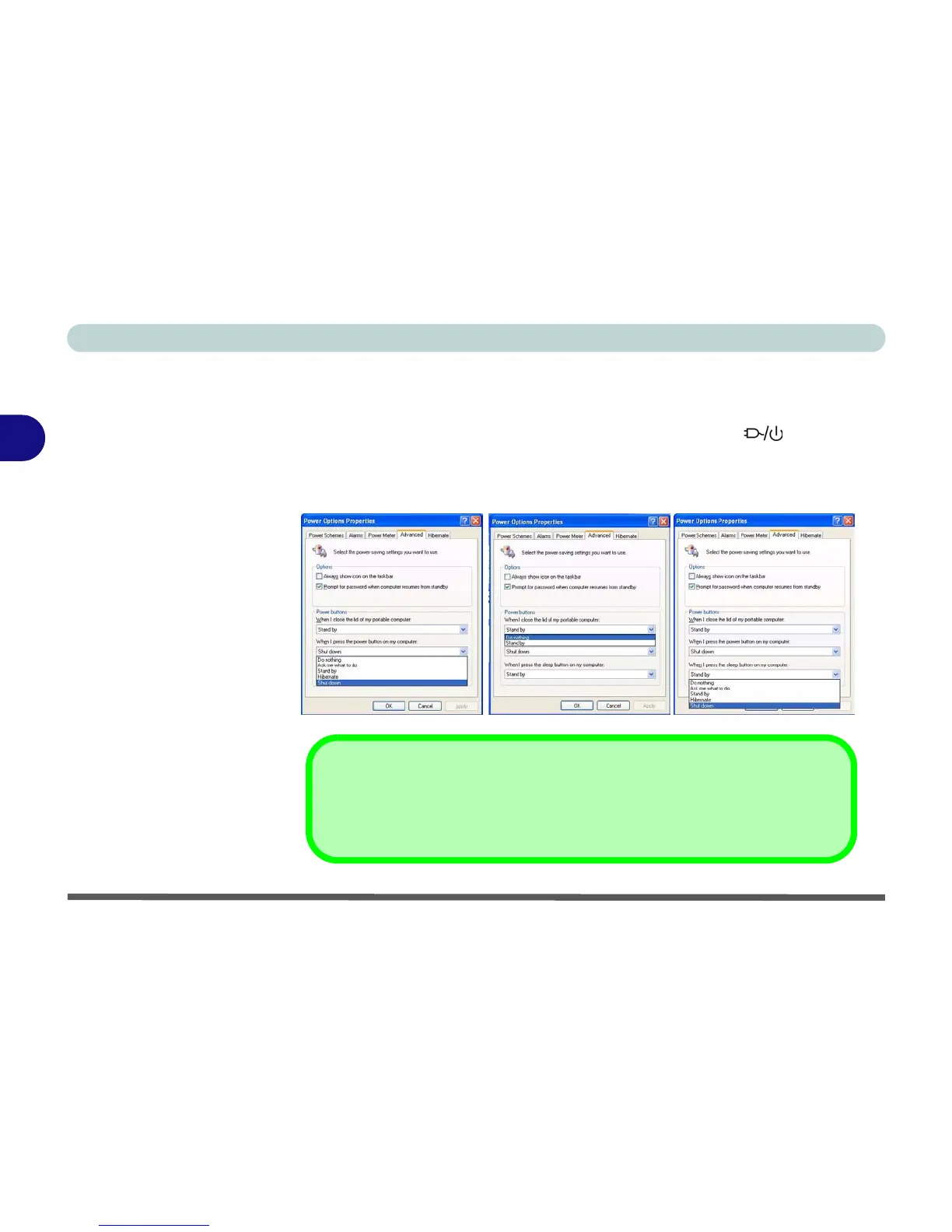
The power button may be set to send the computer in to either Standby or Hi-
bernate mode (Figure 3 - 3). In Standby mode, the LED will flash
green. In Hibernate mode the LED will be off. If you are in a power saving
mode set to save power through individual components (e.g. hard disk, mon-
itor), the LED will remain green.
Figure 3 - 3
Power Options
(Advanced - Power
Buttons)
(Sleep) Button
Sleep Button
You may also configure the Sleep/Resume key combination (Fn + F4) from the
menu illustrated in Figure 3 - 3. In Windows this is referred to as the Sleep button.
Power Button Sleep/ResumeLid















 To Next Page