Storage Devices, Mouse, Audio & Printer
2 - 8 TouchPad and Buttons/Mouse
2
TouchPad and Buttons/Mouse
The TouchPad is an alternative to the mouse; however, you can also add a
mouse to your computer through one of the USB ports. The TouchPad buttons
function in much the same way as a two-button mouse. The central button may
be configured to function as you require.
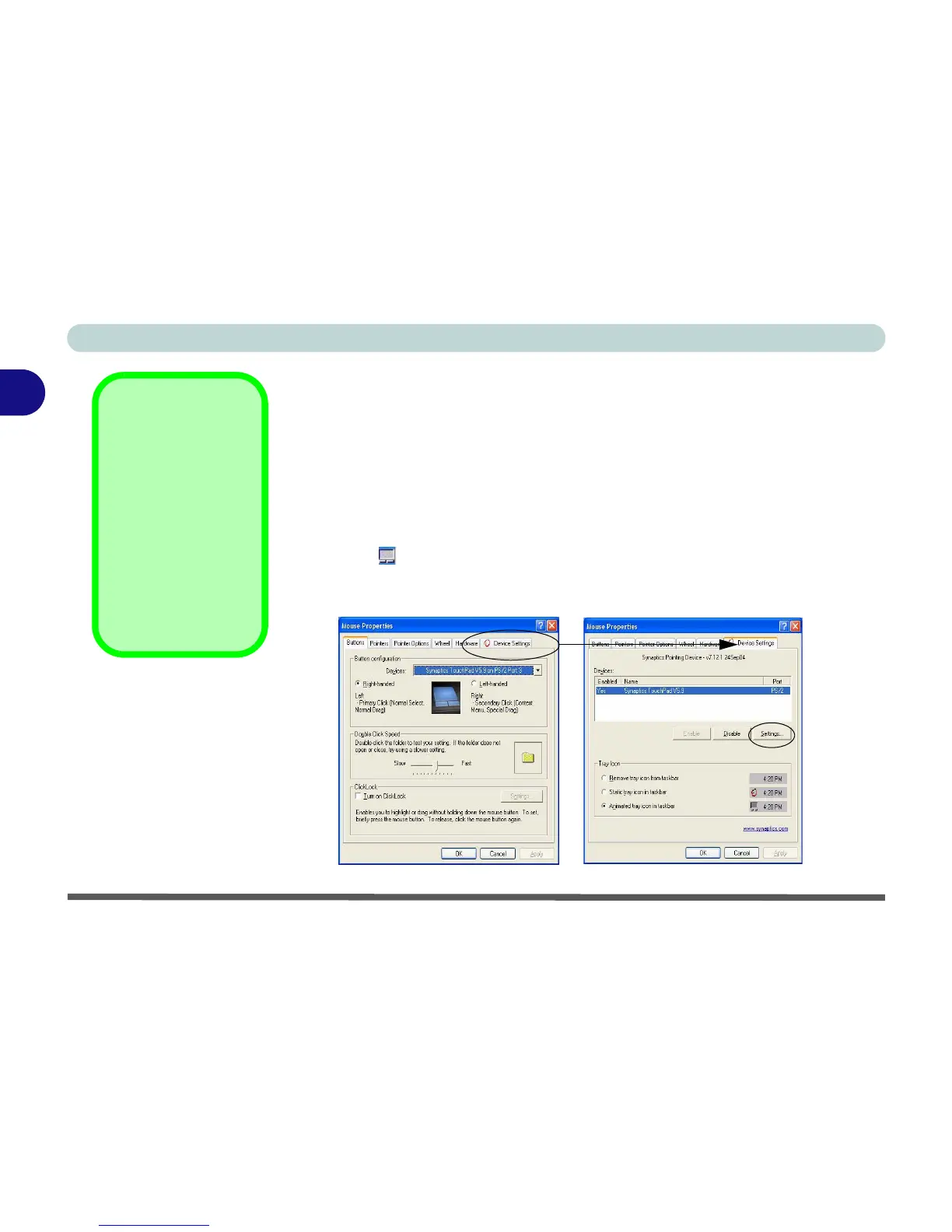
Once you have installed the TouchPad drivers (see “What to Install” on
page 4 - 15) you can configure the functions by double-clicking the TouchPad
driver icon on the taskbar. You may then configure the TouchPad tapping,
buttons, scrolling, pointer motion and sensitivity options to your preferences.
You will find further information on this at www.synaptics.com.
Mouse Driver
If you are using an ex-
ternal mouse your op-
erating system may be
able to auto-configure
your mouse during its
installation or only ena-
ble its basic functions.
Be sure to check the
device’s user docu-
mentation for details.
Figure 2 - 6
Mouse Properties















 To Next Page