Modules
7 - 4 Mini-PCI Wireless LAN Module
7
IPN2220 (802.11g) Wireless LAN Driver Installation
1. Insert the Wireless LAN CD-ROM into the CD/DVD drive.
2. Click Start (menu) > Run
...
3. Navigate (Browse..) to D:\setup.exe and click OK.
4. Click Next.
5. Click the button to accept the license agreement, then click Next.
6. Click Install > Finish.
7. Access any available wireless networks from Network Connections
control panel in Windows (see sidebar).
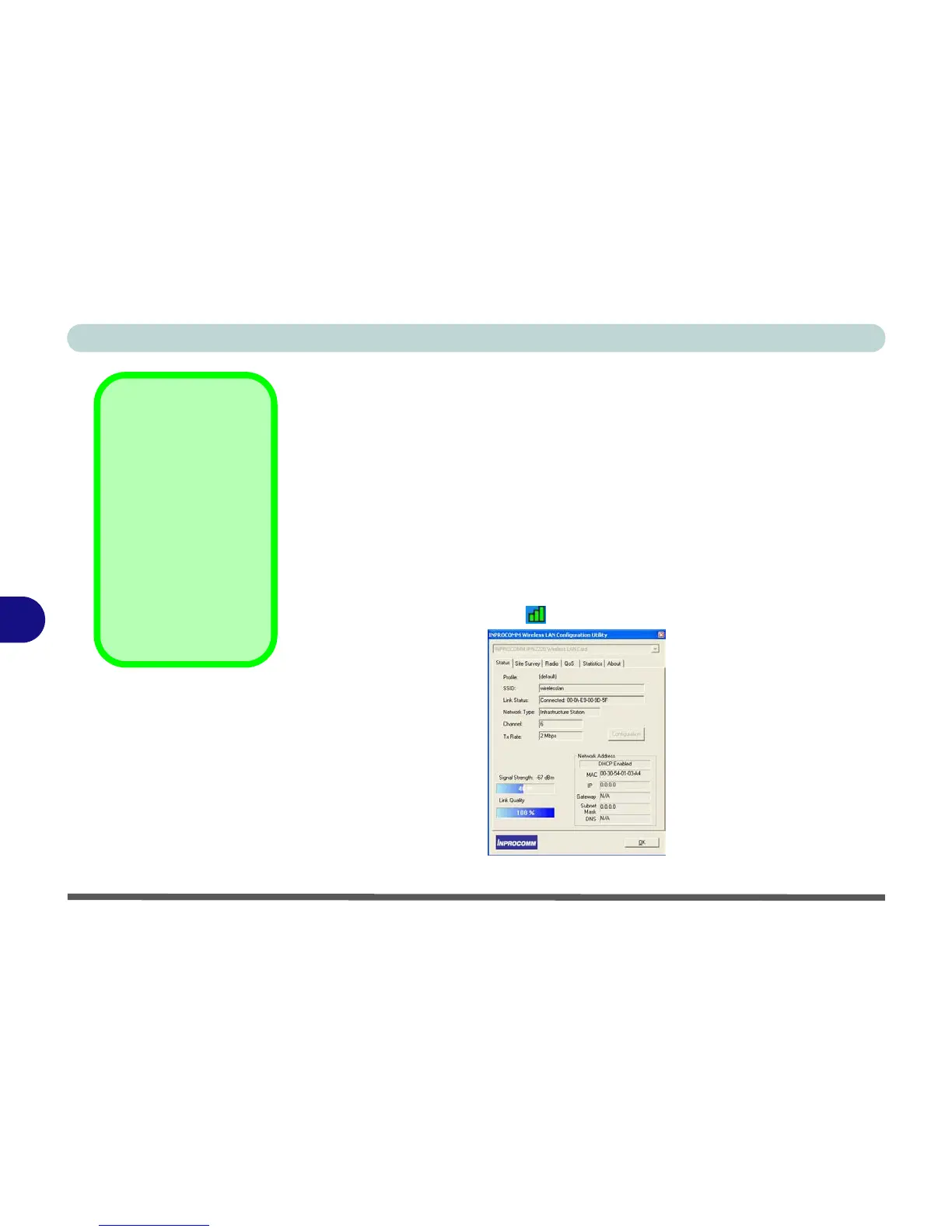
The INPROCOMM Wireless LAN Configuration Utility may be run from
the Start menu (Start > Programs/All Programs > Inprocomm), and may
then be accessed from the icon in the taskbar.
Network Connection
Use the Windows
Network Connec-
tions control panel to
access available wire-
less networks (Start >
Settings > Network
Connections / Net-
work and Dial-up
Connections or Start
> Connect To > Show
all Connections).
Figure 7 - 1
INPROCOMM
WLAN Utility















 To Next Page