Storage Devices, Mouse, Audio & Printer
2 - 10 Audio Features
2
Audio Features
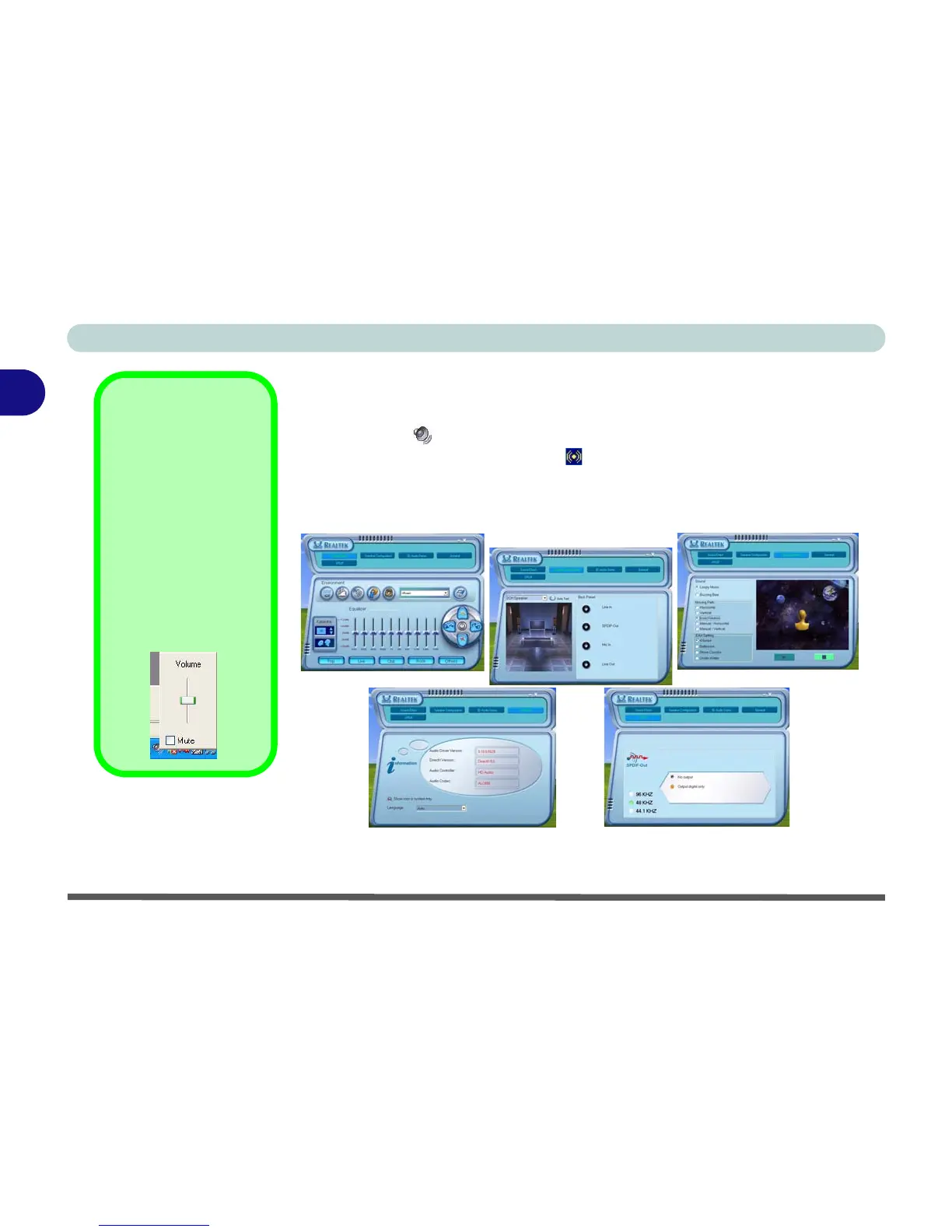
You can configure the audio options on your computer from the Sounds and
Audio Devices Windows control panel (see Figure 1 - 8 on page 1 - 13),
or from the Sound Effect Manager icon in the taskbar/control panel (this
will bring up the Realtek Audio Configuration menus). The volume may also
be adjusted by means of the Fn + F5/F6 key combination.
Sound Volume
Adjustment
How high the sound
volume can be set us-
ing the volume control
knob depends on the
setting of the volume
control within Win-
dows. Click the Vol-
ume icon on the
taskbar to check the
setting.
Figure 2 - 7
Realtek Audio
Configuration
Menus















 To Next Page