NVIDIA Video Driver Controls
B - 10 Enabling TV Display
B
Enabling TV Display
To display desktop images on a TV, connect the TV to your computer by using
an S-Video cable from the TV to the S-Video-Out jack on the left side of the
computer (see “System Map: Left View” on page 1 - 10).
You will need to enable the TV display from the nView Display Settings tab
(see “Attaching Other Displays” on page B - 7). The TV will appear as a dis-
play option (select the display option from the Primary Display/ Secondary
Display dropbox) when attached to the S-Video-Out jack.
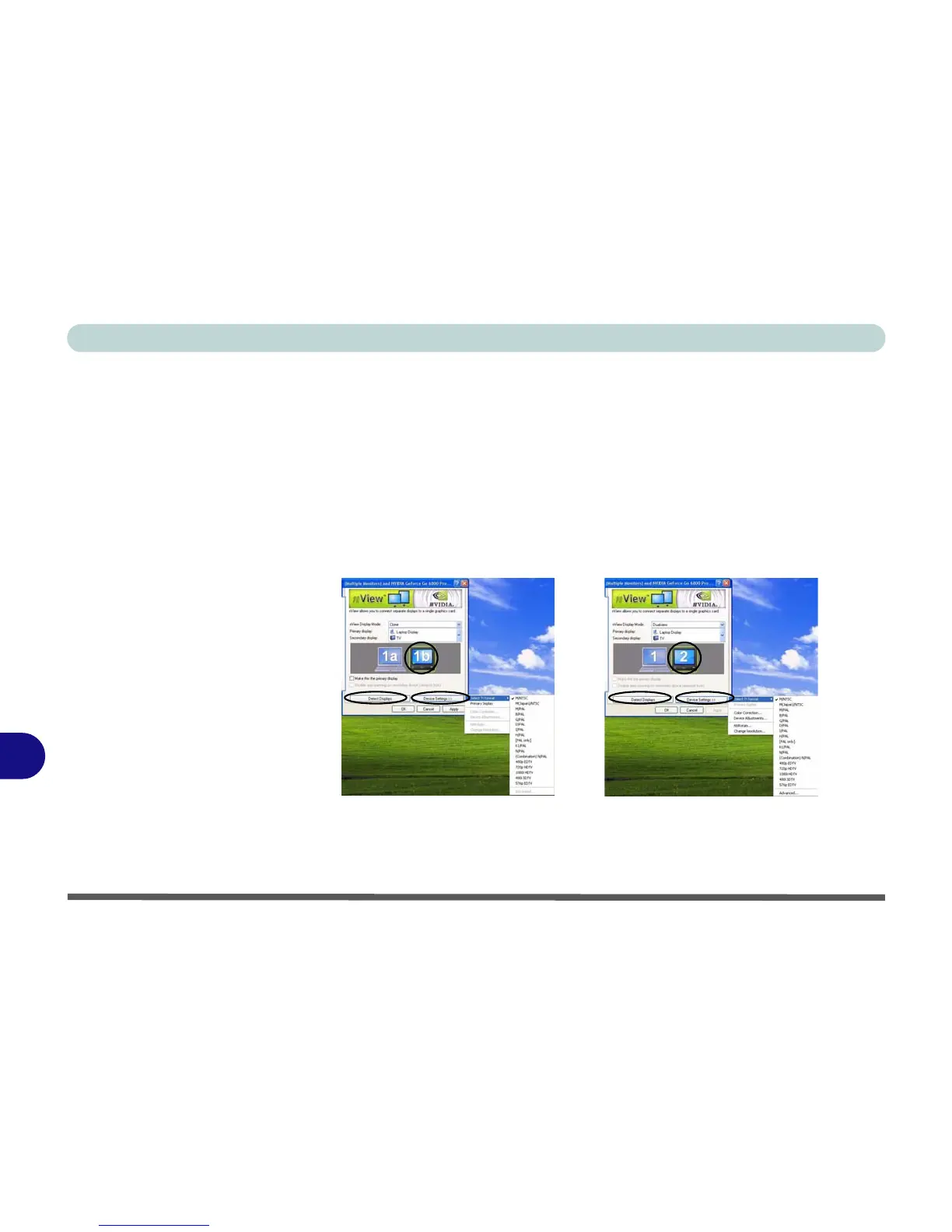
To get a full range of options from the Device Settings menu click the Detect
Displays button. Click to select the TV icon, then click the Device Settings
button.
Figure B - 6
TV Settings
Clone Mode Dualview Mode















 To Next Page