Interface (Ports & Jacks)
A-2
A
Ports and Jacks
Item Description
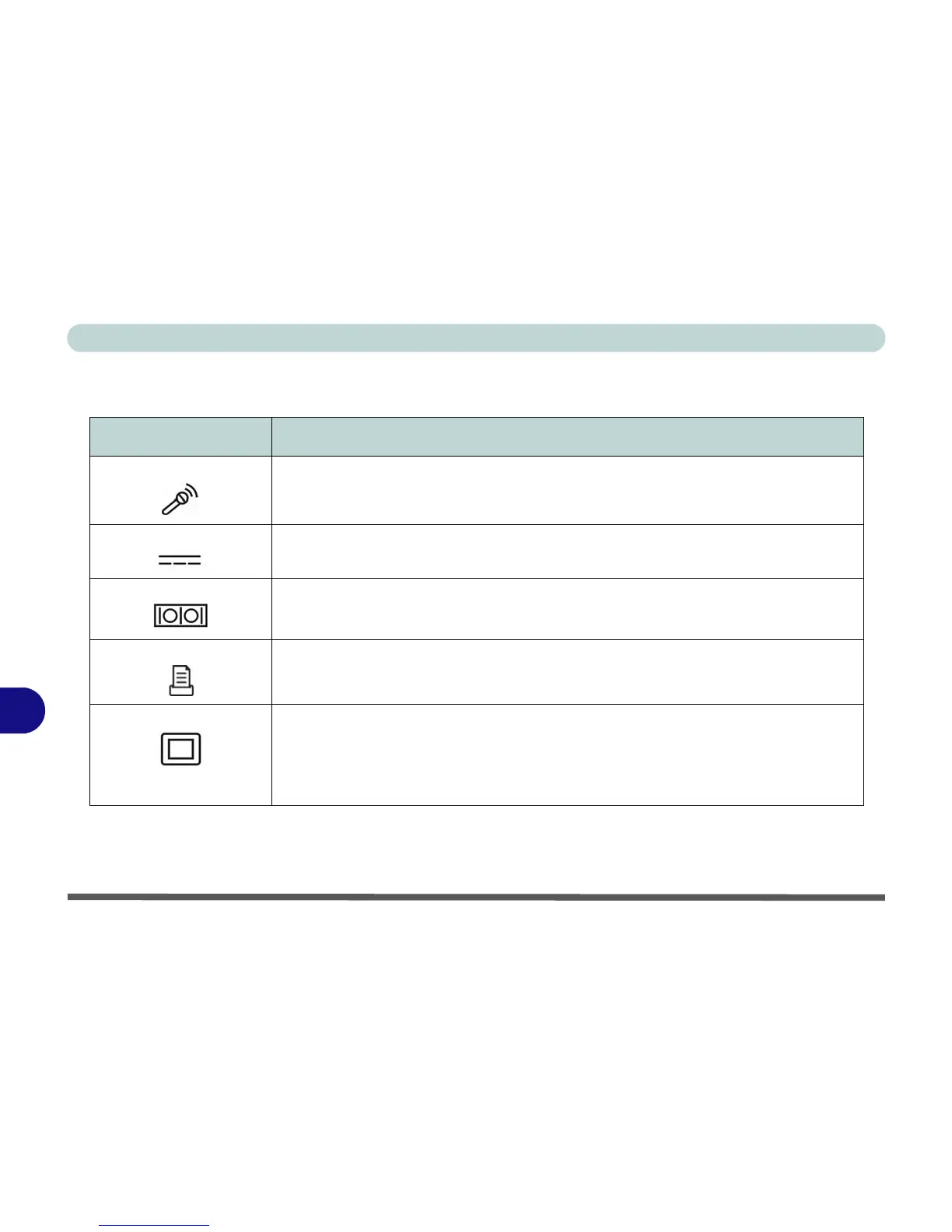
Built-In Microphone The built-in microphone allows you to record on your computer
DC-In Jack Plug the supplied AC adapter into this jack to power your computer.
Serial Port Connect a serial type mouse to this port.
Parallel Port Connect a parallel type printer to this port. The port supports ECP (Extended Capabilities
Port) and EPP (Enhanced Parallel Port) 1.7/1.9 modes.
DVI-Out Port The DVI-Out (Digital Visual Interface) Port allows you to connect an external monitor, or
Flat Panel Display, to allow dual video or simultaneous display on the LCD and external
monitor/FPD (see “Display Devices & Options” on page 1 - 16). If you are using an
older type of monitor you will need to use a converter to convert the signal from DVI to
VGA.















 To Next Page