NVIDIA Video Driver Controls
B - 4 NVIDIA Display Properties
B
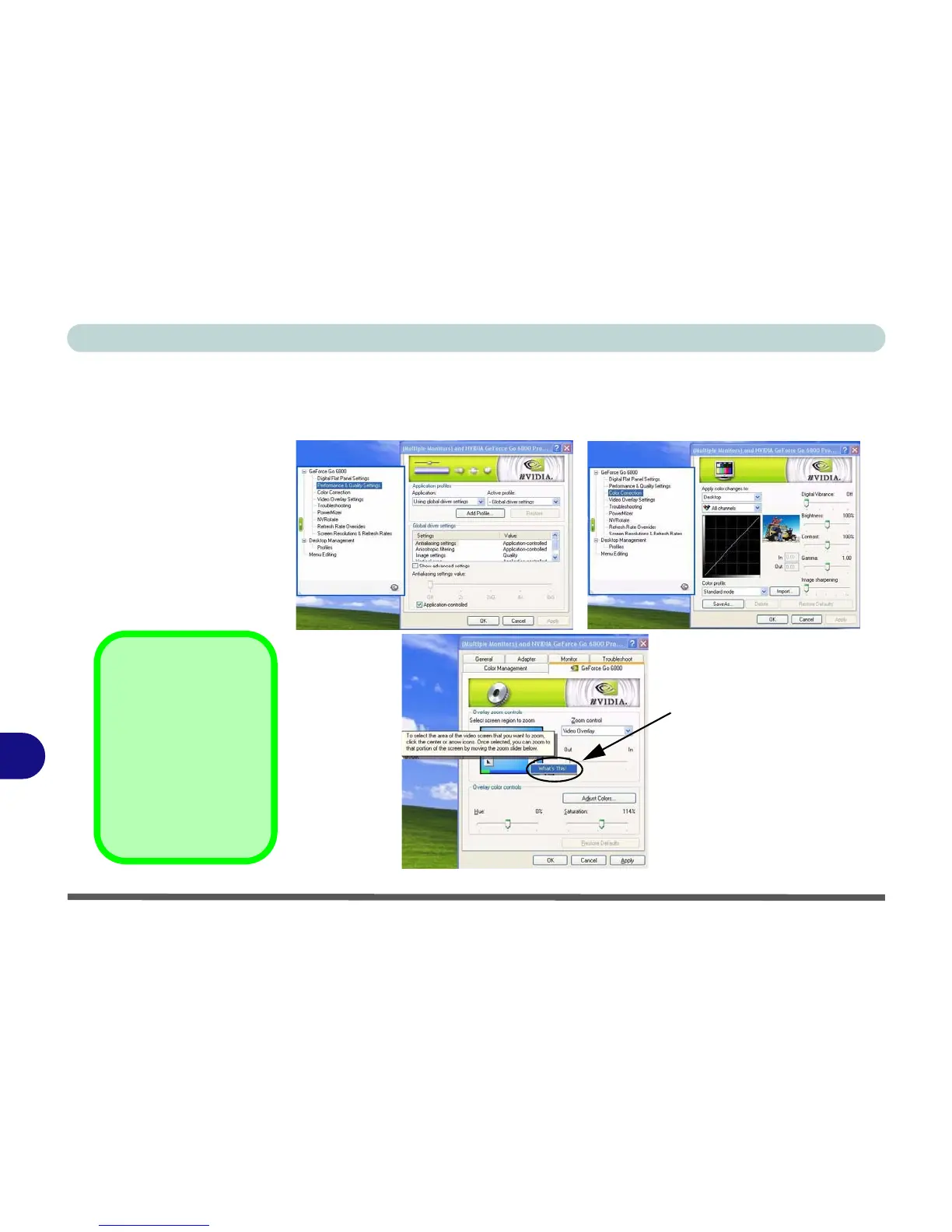
You may make changes to the Display Settings, Color Correction, Video
Overlay, Resolutions, Refresh Rates and Screen Rotation by clicking the ap-
propriate tab and adjusting the setting.
Right-click on a control panel
item to bring up a Help menu
(see sidebar).
Help Menus
Right-click on many of
the items in the tabs to
bring up the “What’s
This?” button.
Click the “What’s
This?” button to bring
up the help menu.
Figure B - 2
Screen Examples















 To Next Page