NVIDIA Video Driver Controls
B - 8 Attaching Other Displays
B
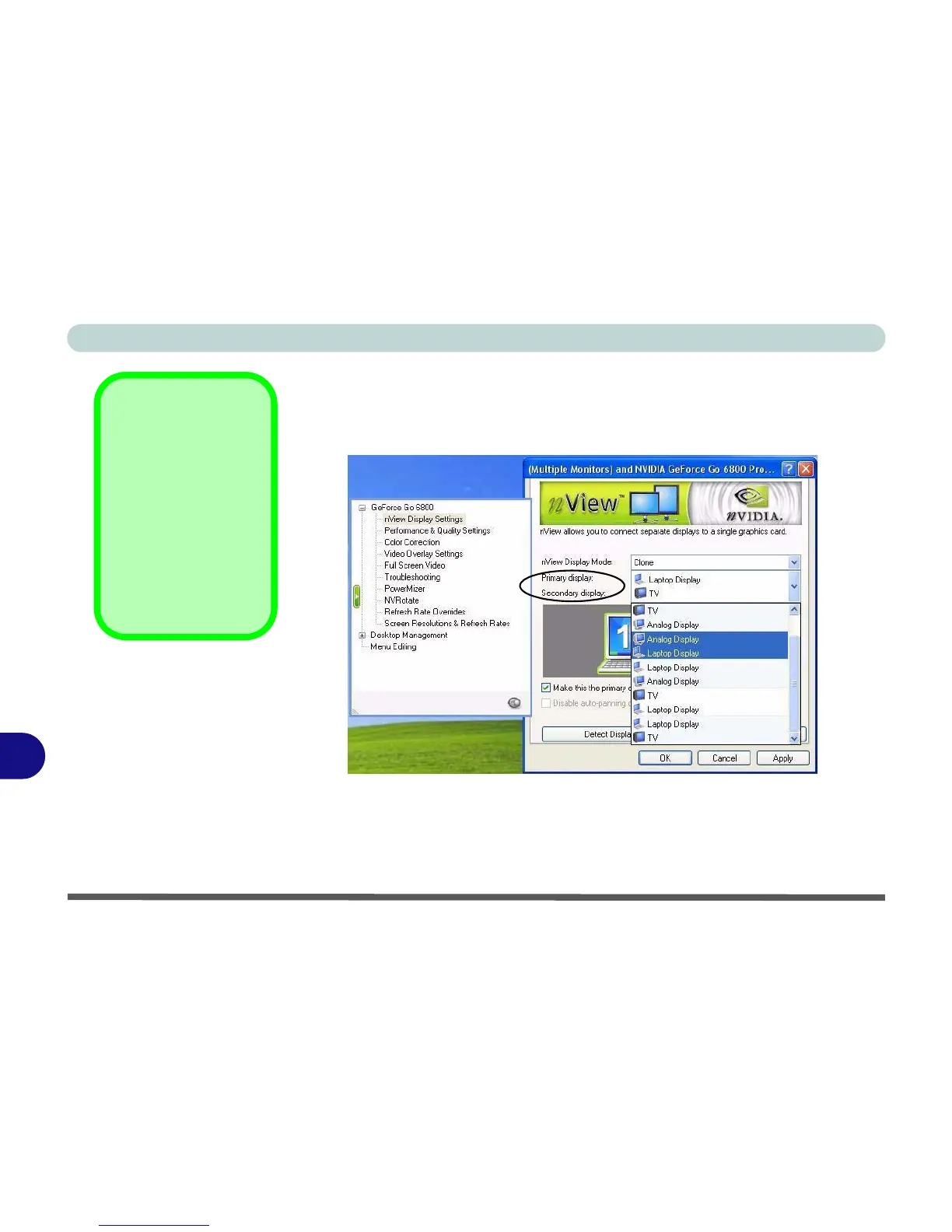
7. Select the display option from the Primary Display/ Secondary Display
dropbox. If you have a TV and external monitor/flat panel display attached
you will have a number of available options (see sidebar). Select and Apply
the appropriate option.
8. Click the monitor icon to select it, then click the Device Settings button to
make any adjustments for the selected display (including Screen
Resolutions & Refresh Rates).
9. Click Apply to confirm any setting changes.
nView Display Mode
Options
The display options
listed under the Prima-
ry display: / Secondary
display: drop boxes will
differ according to the
displays attached, and
the Display Mode
chosen.
Figure B - 5
Primary/
Secondary Display
Dropbox















 To Next Page